Introduction
In today’s digital age, the performance of a website is crucial for user satisfaction and SEO rankings. Monitoring web performance helps developers identify areas for improvement, ensuring that web applications run smoothly and efficiently. This guide will walk you through the steps to effectively monitor web performance, the tools available, and best practices to optimize your site.
Why Monitor Web Performance?
Monitoring web performance is essential for several reasons:
- User Experience: A fast-loading website enhances user experience, reducing bounce rates.
- SEO Benefits: Search engines favor websites that load quickly, improving search visibility.
- Conversion Rates: Faster websites typically see higher conversion rates, resulting in increased sales or leads.
Step-by-Step Guide to Monitoring Web Performance
1. Set Performance Metrics
Before diving into monitoring, define the key performance indicators (KPIs) you want to track:
- Page Load Time
- Time to First Byte (TTFB)
- First Contentful Paint (FCP)
- Speed Index
- Time to Interactive (TTI)
2. Use Performance Monitoring Tools
There are several tools available to help you monitor these metrics:
- Google PageSpeed Insights: Provides insights on performance and suggestions for improvements.
- GTmetrix: Offers detailed reports on load times, performance scores, and suggestions for optimization.
- WebPageTest: Allows you to run tests from different locations and browsers.
- New Relic: A robust monitoring solution for application performance management.
- WebToolsLab: Explore various tools to help with optimization, including the CSS Minifier and HTML Minifier.
3. Analyze and Optimize
Once you have gathered data, analyze it to identify performance bottlenecks:
- Optimize Images: Use tools like Button Generator to create optimized buttons and graphics.
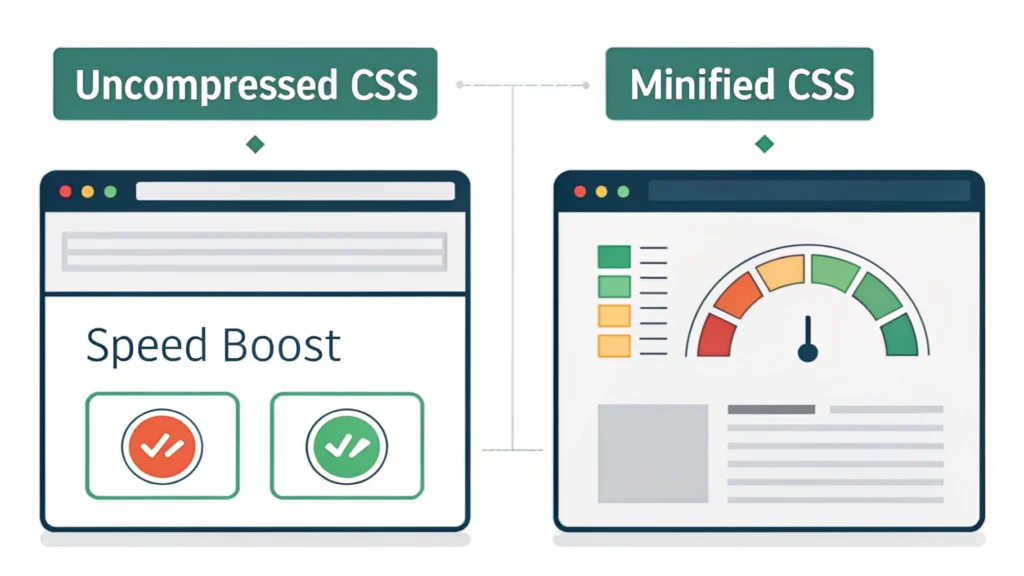
- Minify CSS, HTML, and JavaScript: Compress these files to reduce load times using tools such as CSS Minifier, HTML Minifier, and JS Minifier.
- Leverage Browser Caching: Set proper caching headers to improve load times for repeat visitors.
- Use a Content Delivery Network (CDN): Distribute your content across multiple servers to reduce latency.
4. Continuous Monitoring
Performance monitoring should be an ongoing process. Set up alerts for any performance drops and regularly review your metrics. Incorporate user feedback to understand how changes impact user experience. Consider using automated tools to continuously test performance.
Code Examples for Performance Optimization
Here are some simple code snippets that can help you optimize performance:
<link rel="stylesheet" href="styles.min.css">Use minified CSS files to reduce load times.
<script src="script.min.js" defer></script>Load JavaScript files with the defer attribute to improve page load speed.
FAQs
What is a good page load time?
A good page load time is under 3 seconds. Aim for as low as possible to enhance user experience.
How often should I monitor web performance?
Monitor web performance regularly, ideally daily or weekly, to ensure optimal performance and quickly address any issues.
Can I monitor web performance for free?
Yes, there are several free tools available like Google PageSpeed Insights and GTmetrix that offer valuable insights.
Conclusion
Effectively monitoring web performance is vital for maintaining a successful website. By understanding key metrics, utilizing the right tools, and continuously optimizing your site, you can enhance user experience, improve SEO, and drive better conversion rates. Explore more tools at WebToolsLab to boost your web development efforts.