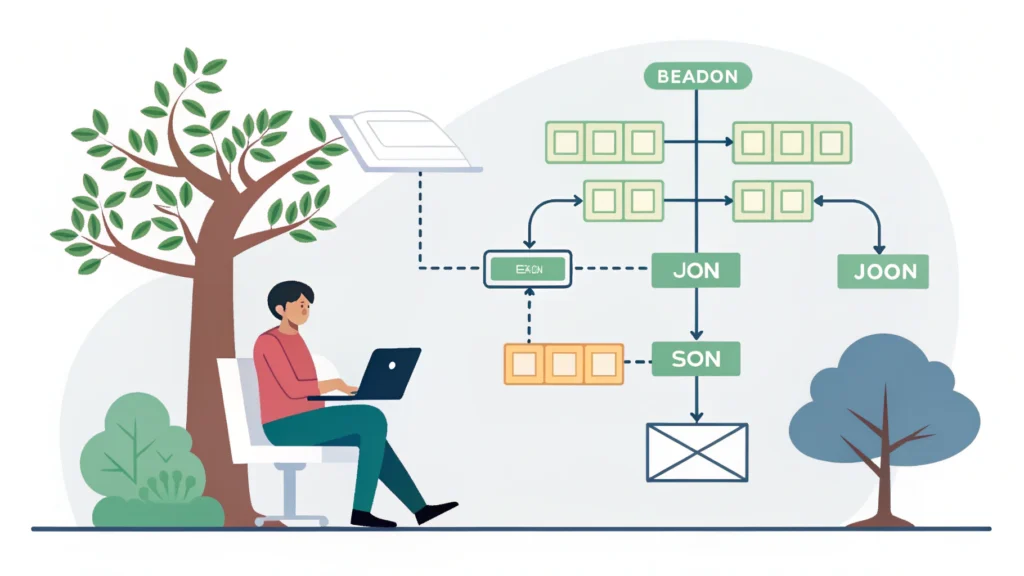
Introduction to Web Development
Web development is the process of creating websites or web applications that run on internet browsers. It encompasses a wide range of tasks, from building a simple static page to complex web applications. Developers use various technologies to construct, design, and maintain these platforms. In this guide, we will explore the different aspects of web development, including its key components, processes, and essential tools.
Types of Web Development
1. Front-end Development
Front-end development refers to the visual aspects of a website. It’s what users interact with directly in their web browsers. Developers in this area focus on design, layout, and user experience (UX). Common technologies used in front-end development include:
- HTML: The standard markup language for creating web pages.
- CSS: A stylesheet language that describes the presentation of a document written in HTML.
- JavaScript: A programming language that enables interactive features on web pages.
2. Back-end Development
Back-end development involves the server-side of a website, where data is stored and processed. This includes databases and server configuration. Key technologies for back-end development include:
- Server-side languages: Such as PHP, Python, Ruby, and Node.js.
- Databases: Systems like MySQL, PostgreSQL, and MongoDB that store data.
- API: Application Programming Interfaces that allow communication between different software systems.
The Web Development Process
The process of web development can be broken down into several key steps:
- Planning: Define the purpose, goals, and target audience of the website.
- Design: Create wireframes and mockups to visualize the layout and functionality.
- Development: Write the HTML, CSS, and JavaScript code for the front-end, and implement the server-side logic and database interactions for the back-end.
- Testing: Test the website for bugs and compatibility across different browsers and devices.
- Deployment: Launch the website on a web server, making it accessible to users.
- Maintenance: Regularly update and improve the website as needed.
Essential Tools for Web Development
There are numerous tools available to assist developers throughout the web development process. Here are some essential tools:
- Button Generator: Create custom buttons easily for your web projects.
- CSS Minifier: Reduce the size of your CSS files for faster load times.
- JS Minifier: Optimize JavaScript code to improve performance.
- Meta Tag Generator: Generate meta tags to enhance SEO and social media sharing.
Code Example: A Simple Web Page
Here’s a simple example of HTML and CSS to create a basic web page:
<!DOCTYPE html>
<html lang="en">
<head>
  <meta charset="UTF-8">
  <meta name="viewport" content="width=device-width, initial-scale=1.0">
  <title>My Web Page</title>
  <link rel="stylesheet" href="styles.css">
</head>
<body>
  <h1>Welcome to My Web Page</h1>
  <p>This is a simple web page created using HTML and CSS.</p>
</body>
</html>
FAQs about Web Development
1. What skills are required for web development?
Web developers should have a good understanding of HTML, CSS, and JavaScript. Familiarity with server-side languages and database management is also beneficial.
2. Is web development a good career choice?
Yes, web development is in high demand and offers various opportunities, making it a lucrative career choice.
3. How long does it take to learn web development?
Learning web development can take anywhere from a few months to a few years, depending on the depth of knowledge you wish to acquire.
Conclusion
Web development is a dynamic field that requires a combination of creativity and technical skills. Whether you’re interested in front-end, back-end, or full-stack development, mastering the necessary tools and technologies will pave the way for your success. Explore more tools at WebToolsLab to enhance your web development projects!