Introduction to Web Design Development
Web design development combines creativity and technical skills to create visually appealing and functional websites. With the rise of digital presence, understanding the principles and processes of web design development is crucial for developers and tech enthusiasts alike. This guide will walk you through the essential steps, tips, and tools needed to master web design development.
Key Principles of Web Design
1. User Experience (UX)
User experience is at the heart of effective web design. A website must be intuitive, easy to navigate, and meet the users’ expectations. Consider the following:
- Clear navigation
- Fast loading times
- Accessible design for users with disabilities
2. Responsive Design
In today’s mobile-driven world, responsive design is essential. Ensure your website adjusts smoothly to various screen sizes. Use tools like our Responsive Simulator to test your designs.
3. Consistency in Design
Maintain a consistent design throughout your website. This includes colors, fonts, and layout. Consistency helps in establishing brand identity and improves usability.
Step-by-Step Guide to Web Design Development
Step 1: Planning Your Website
Before diving into design, outline the purpose of your website. Consider your target audience and the types of content you will offer. Create a sitemap to visualize the structure.
Step 2: Designing the Layout
Sketch the layout of your website, focusing on key elements such as the header, footer, and main content area. Use wireframing tools to create a digital version of your layout.
Step 3: Building with HTML and CSS
Start coding your website using HTML for structure and CSS for styling. Here’s a basic example:
<!DOCTYPE html>
<html lang="en">
<head>
    <meta charset="UTF-8">
    <meta name="viewport" content="width=device-width, initial-scale=1.0">
    <title>My Website</title>
    <link rel="stylesheet" href="styles.css">
</head>
<body>
    <header>
        <h1>Welcome to My Website</h1>
    </header>
    <main>
        <p>This is a sample paragraph.</p>
    </main>
    <footer>
        <p>Footer Content</p>
    </footer>
</body>
</html>
Step 4: Implementing JavaScript
Enhance user interaction with JavaScript. For example, you can create a simple button that shows an alert when clicked:
<button id="myButton">Click Me!</button>
<script>
document.getElementById('myButton').onclick = function() {
    alert('Button clicked!');
};
</script>
Step 5: Optimize Your Code
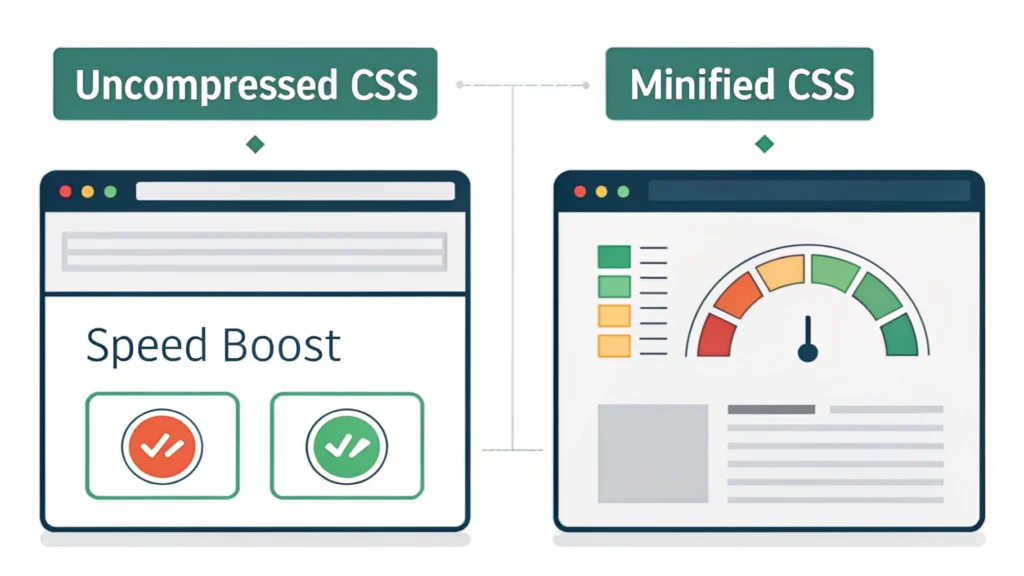
Minimize your HTML, CSS, and JavaScript files to improve loading times. Use our HTML Minifier, CSS Minifier, and JS Minifier to optimize your files.
Step 6: Testing and Debugging
Test your website across different browsers and devices. Look for bugs and fix any issues that arise. Use tools like the WebToolsLab for additional resources and testing utilities.
Step 7: Launching Your Website
Once everything looks good, it’s time to launch your website. Choose a reliable hosting service, upload your files, and make your site live.
FAQs about Web Design Development
What programming languages are essential for web design development?
HTML, CSS, and JavaScript are the core languages essential for web design development. Other languages like PHP or Python can also be useful for backend development.
How can I improve my web design skills?
Practice regularly, follow design trends, and explore various tools and resources. Websites like WebToolsLab offer a plethora of tools to aid your learning.
What tools can I use to design websites?
There are numerous tools available, including design software like Adobe XD, Figma, and online resources like Button Generator to create custom buttons easily.
Conclusion
Web design development is an exciting field that merges creativity with technology. By following this step-by-step guide, you can create functional and visually appealing websites. Don’t forget to leverage tools like WebToolsLab to enhance your workflow and improve your skills. Happy coding!