Introduction to Web Design
In today’s digital landscape, effective web design is more crucial than ever. With the shift towards mobile-first strategies and user-centric design, understanding the principles of modern web design can greatly enhance the user experience (UX) and improve search engine optimization (SEO). This guide will walk you through essential techniques, tools, and best practices that every developer and tech enthusiast should know.
Understanding Key Components of Web Design
1. User Experience (UX)
UX design focuses on optimizing the overall experience a user has while interacting with a website. Key aspects include:
- Intuitive navigation
- Responsive design
- Fast loading times
- Accessibility features
2. Visual Design
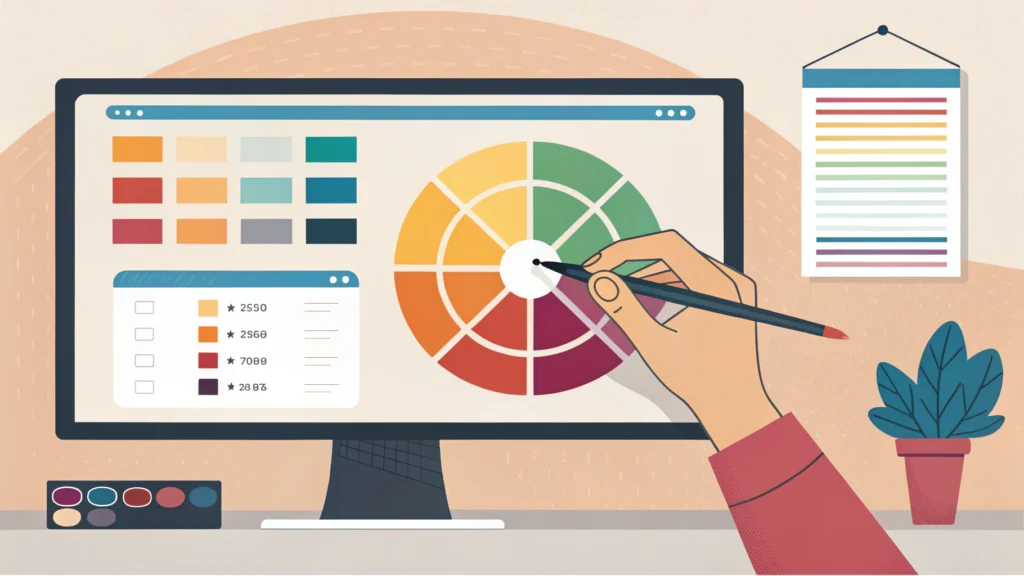
Visual elements, including color schemes, typography, and imagery, play a significant role in conveying the brand identity. Tools such as the Button Generator can help you create visually appealing buttons that enhance your site’s aesthetics.
3. Content Strategy
Your website’s content should be engaging, informative, and optimized for search engines. Using tools like the Meta Tag Generator can help ensure that your meta tags are optimized for SEO.
Step-by-Step Guide to Designing a Website
Step 1: Planning Your Website
Before jumping into design, outline your website’s goals, target audience, and key functionalities. Create a sitemap to visualize the structure of your site.
Step 2: Wireframing
Develop wireframes to layout your design visually. This step helps you plan the user interface (UI) and ensure a logical flow of information.
Step 3: Choosing a Design Tool
Select a design tool that fits your needs. Options like Adobe XD, Figma, and Sketch are popular choices among designers.
Step 4: Designing the User Interface
/* Example CSS for a button */
.button {
    background-color: #007BFF;
    color: white;
    padding: 10px 20px;
    border: none;
    border-radius: 5px;
    cursor: pointer;
}
Using CSS frameworks like Bootstrap can expedite your design process. Additionally, consider minifying your CSS using the CSS Minifier to improve loading times.
Step 5: Implementing Responsive Design
Ensure your website is mobile-friendly by using responsive design techniques. This includes using flexible grids, layouts, and images. Tools like the Responsive Simulator can help you test your design across various devices.
Step 6: Testing and Optimization
Once your website is designed, conduct thorough testing to identify any issues. Optimize your HTML using the HTML Minifier and your JavaScript with the JS Minifier for better performance.
FAQs about Web Design
What tools are essential for web design?
Common tools include design software like Adobe XD, Figma, and coding tools like HTML/CSS editors. Additionally, utilizing various online tools from WebToolsLab can enhance your workflow.
How can I ensure my website is SEO-friendly?
Incorporate keywords naturally within your content, optimize meta tags, and ensure your site is mobile-friendly. Use the SEO title and description generator to help create optimized titles and descriptions.
Conclusion
Web design is an ever-evolving field that requires a blend of creativity, technical skill, and knowledge of user behavior. By following these steps and utilizing the right tools, you can create a website that not only looks great but also performs well in search engines. Embrace modern web design techniques to enhance your projects and deliver a superior user experience.