Introduction
In the fast-paced world of web development, staying updated with the best practices is essential for creating high-performance, user-friendly websites. Whether you’re a seasoned developer or a newcomer, adhering to best practices can significantly enhance your projects. This guide will walk you through essential web development best practices to ensure your projects are efficient, maintainable, and optimized for search engines.
1. Optimize Website Performance
1.1 Minimize HTTP Requests
Reduce the number of elements on your page to minimize HTTP requests. Combine CSS and JavaScript files where possible.
1.2 Use Minification Tools
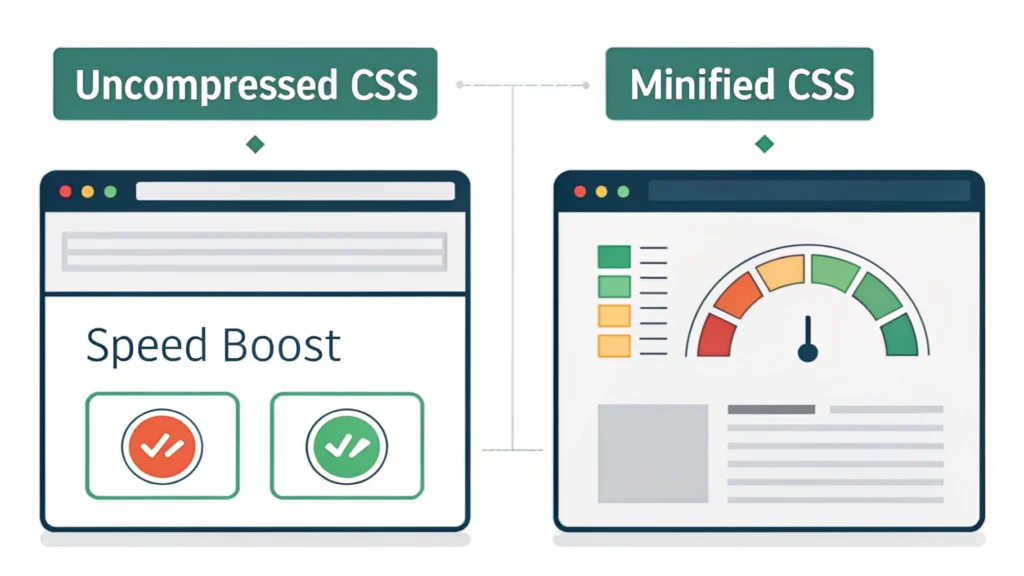
Use minification tools to compress your CSS, JavaScript, and HTML files. This can significantly enhance load times.
- Try our CSS Minifier to compress your stylesheets.
- Use the JS Minifier for your scripts.
- Check out the HTML Minifier for your markup.
2. Enhance User Experience
2.1 Responsive Design
Ensure your website is accessible on all devices by implementing responsive design. Use CSS media queries and responsive frameworks like Bootstrap.
2.2 Fast Loading Times
Fast loading times keep users engaged. Aim for a load time of under 3 seconds. Tools like Google PageSpeed Insights can provide valuable insights.
3. SEO Best Practices
3.1 Optimize Meta Tags
Use relevant meta tags to help search engines understand your content. Utilize the Meta Tag Generator for quick creation.
3.2 Use Semantic HTML
Utilize semantic HTML elements to improve SEO and accessibility. For example, use <article> for articles and <nav> for navigation.
4. Code Quality and Maintainability
4.1 Comment Your Code
Adding comments to your code helps others (and your future self) understand the reasoning behind your decisions.
4.2 Consistent Formatting
Maintain consistent coding styles. Use tools like linters and formatters to automate this process.
4.3 Version Control
Use version control systems like Git to manage changes and collaborate efficiently.
5. Testing and Debugging
5.1 Regular Testing
Conduct regular testing, including unit tests, integration tests, and end-to-end tests to ensure your application works as intended.
5.2 Debugging Tools
Utilize debugging tools to identify and fix issues promptly. Browser developer tools are essential for this.
6. Code Examples
Below is a simple example of a responsive button using HTML and CSS:
<button class="responsive-button">Click Me</button>
FAQs
What are the key components of web development best practices?
Key components include performance optimization, user experience enhancement, SEO best practices, code quality, and regular testing.
How can I improve my website’s SEO?
Improve your website’s SEO by optimizing meta tags, using semantic HTML, and ensuring your content is relevant and valuable to users.
Conclusion
By following these web development best practices, you can create websites that are not only visually appealing but also optimized for performance and user experience. Remember, continuous learning and adaptation are crucial in the ever-evolving field of web development. For more tools to enhance your web development projects, visit WebToolsLab (All Tools).