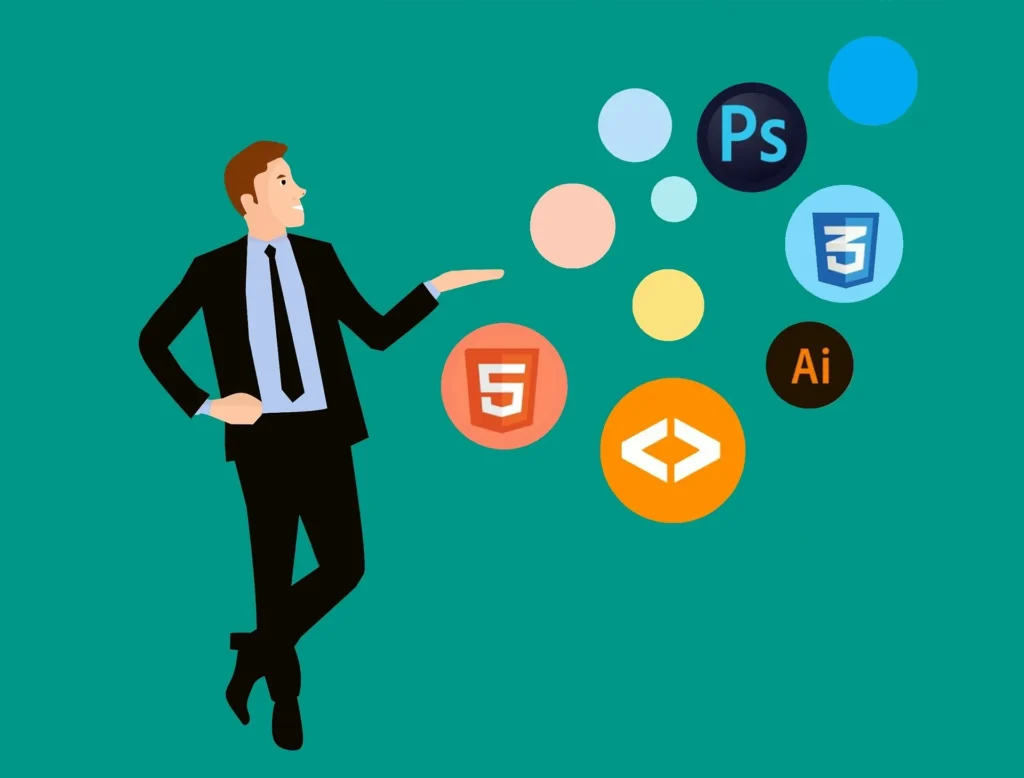
Introduction to Web Design and Development
Web design and development are crucial in creating engaging, functional, and user-friendly websites. As a developer or tech enthusiast, understanding the interplay between design and functionality can set you apart in the industry. In this guide, we’ll explore the essential components of web design and development, including practical steps, tools, and best practices.
Understanding Web Design
Web design focuses on the visual aspects of a website. It involves layout, color schemes, fonts, and overall aesthetics that impact user experience. A well-designed website not only attracts visitors but also keeps them engaged.
Key Elements of Web Design
- Layout: The arrangement of elements on the page.
- Color Scheme: The palette of colors used throughout the site.
- Typography: The style and arrangement of text.
- Imagery: Use of images and graphics to enhance user experience.
Getting Started with Web Development
Web development is the process of building and maintaining websites. It involves coding and programming, which bring the design to life. The two main categories of web development are front-end and back-end development.
Front-End Development
Front-end development deals with the user interface and experience. It includes the use of:
- HTML: The structure of web pages.
- CSS: The styling of web pages.
- JavaScript: The interactivity of web pages.
Back-End Development
Back-end development focuses on server-side logic and database interactions. It usually involves programming languages like PHP, Python, Ruby, or Node.js.
Step-by-Step Guide to Building a Simple Website
Let’s walk through the basic steps of creating a simple website.
Step 1: Planning Your Website
Define your website’s purpose, target audience, and the content you want to include.
Step 2: Designing Your Layout
Sketch a rough layout of your website. Consider using wireframe tools or the Button Generator for creating buttons that align with your design.
Step 3: Writing HTML and CSS
Start coding your HTML structure and applying CSS styles. Here’s a simple HTML template:
<!DOCTYPE html>
<html lang="en">
<head>
    <meta charset="UTF-8">
    <meta name="viewport" content="width=device-width, initial-scale=1.0">
    <title>My Simple Website</title>
    <link rel="stylesheet" href="styles.css">
</head>
<body>
    <header>
        <h1>Welcome to My Website</h1>
    </header>
    <main>
        <p>This is a simple website built with HTML and CSS.</p>
    </main>
    <footer>
        <p>Footer content here</p>
    </footer>
</body>
</html>
Step 4: Adding Interactivity with JavaScript
Enhance user experience by adding JavaScript for interactivity. Here’s a simple example:
<script>
    document.addEventListener('DOMContentLoaded', function() {
        alert('Welcome to my website!');
    });
</script>
Step 5: Optimizing Your Website
Use tools like the CSS Minifier, HTML Minifier, and JS Minifier to optimize your code for better performance.
Step 6: Testing Your Website
Test your website on different devices and browsers to ensure it’s responsive and functional. Tools like the Responsive Simulator can help you visualize how your site appears across devices.
FAQs About Web Design and Development
What is the difference between web design and web development?
Web design focuses on the aesthetics and usability of a website, while web development involves the technical aspects of building and maintaining the website.
Do I need to know coding to be a web designer?
While knowing some coding can be beneficial, many web design tools allow you to create visually appealing websites without extensive coding knowledge.
What are the best tools for web development?
Some popular tools include code editors like Visual Studio Code, design tools like Figma, and various minification tools available at WebToolsLab.
Conclusion
Mastering web design and development requires a blend of creativity and technical skills. By following the steps outlined in this guide and utilizing the right tools, you can create stunning, functional websites. Dive into web development today, and leverage tools from WebToolsLab to enhance your projects!