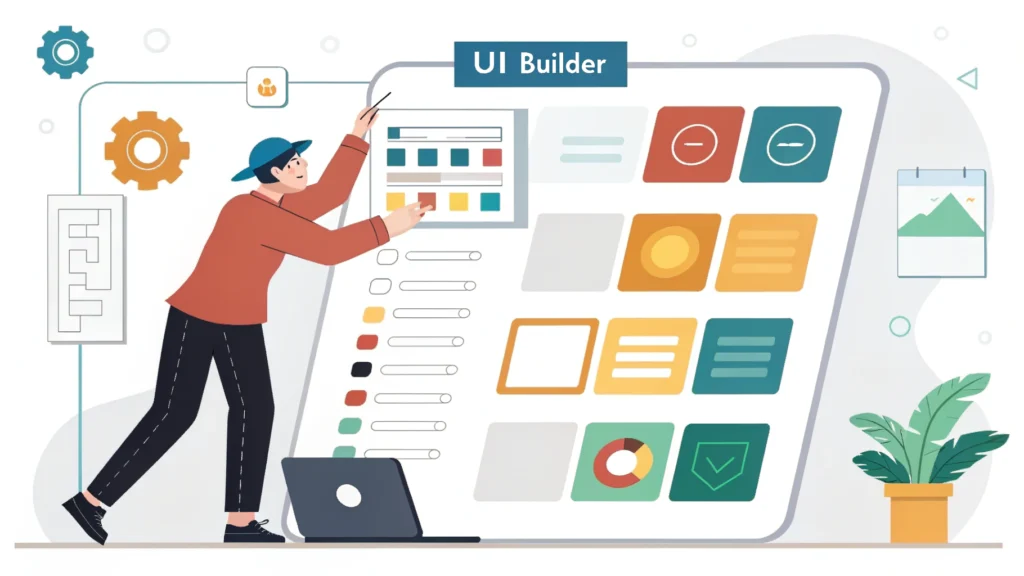
Introduction to Web App Development
Web app development encompasses the processes involved in building applications that run on web browsers. Developers use various technologies, frameworks, and tools to create interactive, user-friendly interfaces and robust back-end systems. In this guide, we will explore essential steps and tools for effective web app development.
Step 1: Planning Your Web App
A well-defined plan is the foundation of successful web app development. Here are key considerations:
- Target Audience: Identify your users and understand their needs.
- Features: List down the core functionalities your app will offer.
- Technology Stack: Choose the right frameworks and languages (e.g., React, Node.js, Python).
Step 2: Setting Up Your Development Environment
Having a proper setup is paramount for productivity. Consider using:
- Code Editor: Tools like Visual Studio Code or Sublime Text.
- Version Control: Git for tracking changes and collaboration.
- Local Server: Use XAMPP or WAMP for testing your app locally.
Step 3: Designing the User Interface
The user interface (UI) plays a critical role in user experience. Here are some design tips:
- Responsive Design: Ensure your app is usable on various devices. Use our Responsive Simulator to test layouts.
- Consistent Theme: Maintain a uniform color palette and typography.
- User-Friendly Navigation: Keep navigation intuitive to enhance usability.
Creating UI Components
Let’s look at a simple example of creating a button using HTML and CSS:
<button class="my-button">Click Me</button>
Step 4: Development and Coding
Now it’s time to bring your app to life through coding. Here are some essential practices:
- Code Modularization: Break your code into manageable modules for easier maintenance.
- Use Frameworks: Leverage frameworks like React or Angular to simplify development.
- Testing: Conduct unit tests and integration tests to ensure functionality.
Optimizing Your Code
Minimize your code to enhance performance. Use tools such as:
Step 5: Deployment
Once your app is ready, it’s time to deploy it. Follow these steps:
- Choose a Hosting Provider: Options include AWS, Heroku, or DigitalOcean.
- Domain Name: Register a domain name that reflects your app’s purpose.
- Upload Files: Transfer your files to the hosting server using FTP or a deployment tool.
Step 6: Maintenance and Updates
Post-launch, regular maintenance is vital:
- User Feedback: Gather and analyze user feedback for improvements.
- Update Features: Regularly update the app to fix bugs and add features.
- Monitor Performance: Use analytics tools to track performance metrics.
FAQs about Web App Development
What programming languages are best for web app development?
Common choices include JavaScript for the front end, along with frameworks like React or Angular, and Node.js or Python for the back end.
How long does it take to develop a web app?
The timeframe varies based on the complexity of the app. Simple apps may take a few weeks, while more complex ones can take several months.
What tools can help in web app development?
Tools like Meta Tag Generator and JSON Formatter can streamline your development process.
Conclusion
Web app development is an exciting yet challenging process that requires careful planning, coding, and testing. By following the steps outlined in this guide and utilizing helpful tools, you can create high-quality web applications that meet user needs and stand the test of time. For more resources and tools, explore WebToolsLab.