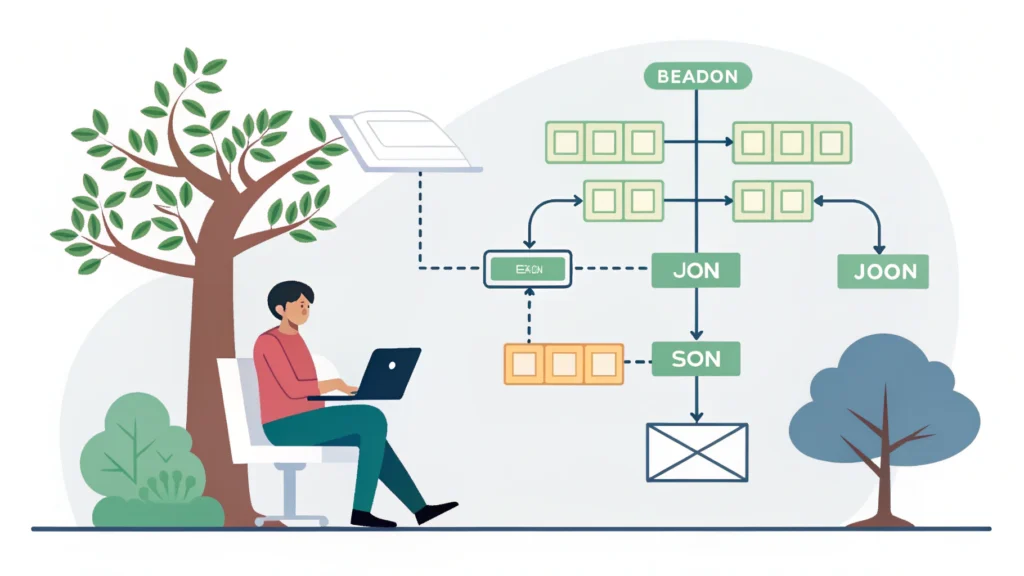
Introduction to Web Development
Web development is the process of creating and maintaining websites. It encompasses various tasks including web design, web content creation, client-side/server-side scripting, and network security configuration. As a crucial component of the modern internet, understanding web development is essential for developers and tech enthusiasts alike.
Types of Web Development
1. Front-End Development
Front-end development involves the visual aspects of a website that users interact with. It focuses on the layout, design, and user experience. Common technologies used in front-end development include:
- HTML (HyperText Markup Language)
- CSS (Cascading Style Sheets)
- JavaScript
2. Back-End Development
Back-end development deals with the server-side of a website. It manages the database, server, and application logic. Key programming languages include:
- Python
- Ruby
- PHP
- Java
3. Full-Stack Development
Full-stack developers are proficient in both front-end and back-end technologies. They are responsible for the entire web development process, from designing user interfaces to managing databases.
How to Get Started with Web Development
Starting your journey in web development can be overwhelming, but by following these steps, you can make it manageable:
- Learn the Basics: Begin with HTML, CSS, and JavaScript. These are the foundational languages of web development.
- Choose a Development Environment: Set up your local environment. You can use code editors like Visual Studio Code or Sublime Text.
- Build Simple Projects: Create basic websites to practice your skills. Use tools like the Button Generator to create buttons without coding.
- Learn Version Control: Familiarize yourself with Git to manage your projects and collaborate with others.
- Explore Frameworks: Once comfortable with basic coding, explore frameworks like React for front-end or Node.js for back-end development.
- Optimize Your Code: Use tools like the CSS Minifier and JS Minifier to minimize your code for better performance.
Code Example: Simple HTML Structure
<!DOCTYPE html>
<html lang="en">
<head>
    <meta charset="UTF-8">
    <meta name="viewport" content="width=device-width, initial-scale=1.0">
    <title>My First Web Page</title>
</head>
<body>
    <h1>Welcome to My Website</h1>
    <p>This is my first paragraph on my web page.</p>
</body>
</html>
FAQs about Web Development
Q: What skills do I need for web development?
A: Basic knowledge of HTML, CSS, and JavaScript is essential. Additionally, familiarity with frameworks and version control systems like Git is beneficial.
Q: What tools are available for web development?
A: There are numerous tools available, including code editors, version control systems, and optimization tools. For example, the Meta Tag Generator can help improve your website’s SEO.
Conclusion
Web development is a continually evolving field that combines creativity with technical skills. Whether you choose to specialize in front-end, back-end, or full-stack development, there are numerous resources and tools available to help you succeed. Start your journey today by exploring more tools at WebToolsLab and enhance your web development skills!