Introduction to Web Design Development
Web design development is the art and science of creating visually appealing and functional websites. It encompasses various disciplines, including graphic design, user interface (UI) design, user experience (UX) design, and front-end development. In this guide, we will explore the essential steps involved in web design development and introduce some powerful tools to streamline your workflow.
Key Components of Web Design Development
- Visual Design
- Responsive Design
- Usability
- SEO Optimization
Step 1: Planning Your Web Design Project
Before diving into design, it’s crucial to plan your project. Identify your target audience, define your goals, and outline the content structure. This stage sets the foundation for a successful website.
Step 2: Wireframing
Create wireframes to visualize the layout of your website. Use tools like WebToolsLab (All Tools) to find resources that can assist you in wireframing.
Step 3: Designing the User Interface
Now, you can move on to designing the UI. Choose a color scheme, typography, and imagery that align with your brand. Remember to maintain consistency throughout your design.
Step 4: Coding the Website
With your designs ready, it’s time to code your website. Use HTML for structure, CSS for styling, and JavaScript for interactivity. Below is a simple example of a responsive button:
<button class="btn">Click Me</button>

<style>
.btn {
    background-color: #4CAF50;
    color: white;
    padding: 15px 32px;
    text-align: center;
    text-decoration: none;
    display: inline-block;
    font-size: 16px;
    margin: 4px 2px;
    cursor: pointer;
    border: none;
    border-radius: 4px;
}
</style>
Step 5: Testing and Optimization
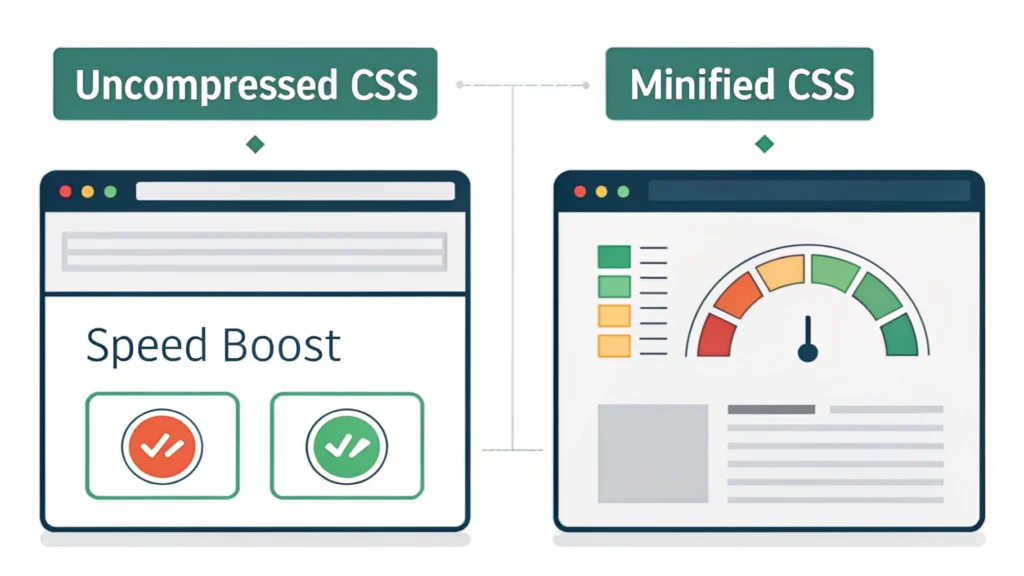
Testing is crucial to ensure your website functions properly across different devices and browsers. Use tools like the Responsive Simulator to check how your site appears on various screens. Additionally, optimize your code using tools like CSS Minifier, HTML Minifier, and JS Minifier to improve load times.
Step 6: Launching Your Website
After thorough testing and optimization, it’s time to launch your website. Choose a reliable hosting provider and upload your files. Ensure everything works smoothly post-launch.
FAQs About Web Design Development
What is the difference between web design and web development?
Web design focuses on the aesthetics and usability of a website, while web development involves coding and building the website’s functionality.
Why is responsive design important?
Responsive design ensures that websites work well on a variety of devices and screen sizes, providing a better user experience and improving SEO.
How can I improve my website’s SEO?
Use best practices like optimizing meta tags, using descriptive URLs, and ensuring fast loading times. Tools like Meta Tag Generator can simplify this process.
Conclusion
Web design development is a multifaceted process that combines creativity and technical skills. By following the steps outlined in this guide and utilizing the recommended tools, you can create stunning, functional websites that impress users and achieve your goals. For further resources, explore the full suite of tools at WebToolsLab.