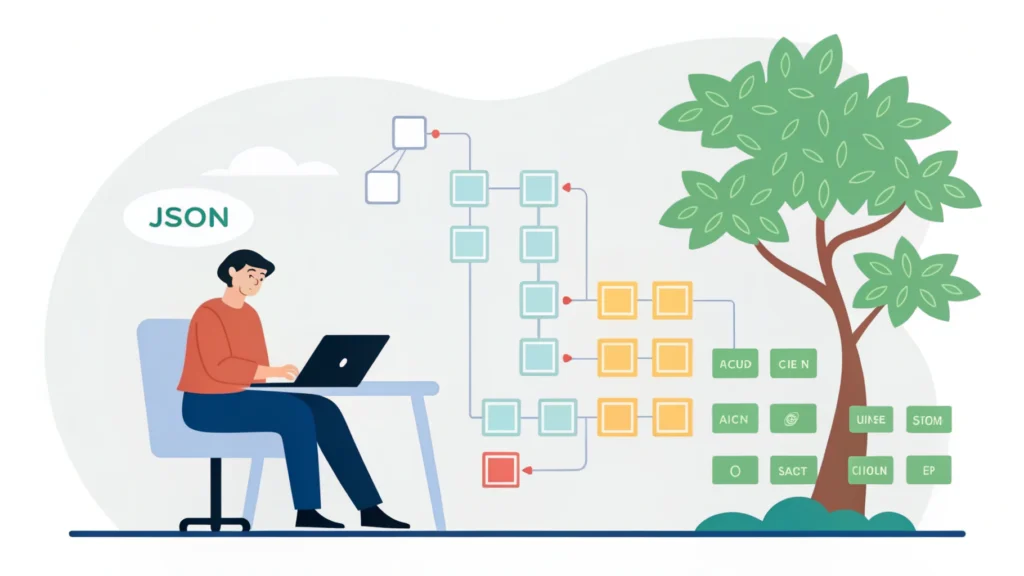
Introduction to Web Development and Design
Web development and design are crucial components in creating engaging and functional websites. In today’s digital landscape, understanding the basics of both fields can significantly enhance your ability to create stunning online experiences. This guide will walk you through essential concepts, tools, and techniques to help you master web development and design.
Understanding the Basics
What is Web Development?
Web development refers to the process of building and maintaining websites. It encompasses various aspects, including web design, web content development, client-side/server-side scripting, and network security configuration. Developers often work with languages like HTML, CSS, and JavaScript.
What is Web Design?
Web design focuses on the aesthetic and usability aspects of a website. It involves layout, color schemes, typography, and overall visual structure. A good web design not only attracts users but also ensures a seamless user experience.
Step-by-Step Guide to Web Development and Design
Step 1: Planning Your Website
The first step is to outline the purpose and target audience of your website. Consider the following questions:
- What is the main goal of your website?
- Who is your target audience?
- What content will you include?
Step 2: Choosing the Right Tools
Utilize tools that can streamline your development process. Here are some essential tools from WebToolsLab that can enhance your workflow:
- Button Generator – Create stylish buttons effortlessly.
- CSS Minifier – Optimize your CSS by removing unnecessary spaces.
- HTML Minifier – Clean up your HTML code to improve load times.
- JS Minifier – Minify your JavaScript files for better performance.
Step 3: Designing the Layout
Start designing your website layout using wireframes or mockups. Tools like Adobe XD or Figma can help you visualize your design before development.
Step 4: Writing the Code
Now, it’s time to bring your design to life with code. Here’s a simple example of a webpage structure using HTML and CSS:
<!DOCTYPE html>
<html lang="en">
<head>
  <meta charset="UTF-8">
  <meta name="viewport" content="width=device-width, initial-scale=1.0">
  <title>My Web Page</title>
  <link rel="stylesheet" href="styles.css">
</head>
<body>
  <header>
    <h1>Welcome to My Website</h1>
  </header>
  <main>
    <p>This is a simple web page layout.</p>
  </main>
  <footer>
    <p>© 2023 My Web Page</p>
  </footer>
</body>
</html>
Step 5: Testing and Optimization
Once your code is written, it’s critical to test your website across different devices and browsers. Use tools like the Responsive Simulator to ensure your site looks great on all screens.
Step 6: Launching Your Website
After testing and optimization, it’s time to launch your website. Choose a reliable hosting provider and deploy your files. Don’t forget to monitor performance and user feedback post-launch.
FAQs
What are the key languages for web development?
The primary languages are HTML, CSS, and JavaScript. HTML structures your content, CSS styles it, and JavaScript adds interactivity.
How can I improve my web design skills?
Practice regularly, study modern design trends, and utilize tools like the Meta Tag Generator to enhance your understanding of SEO and usability.
Conclusion
Web development and design are dynamic fields that require continuous learning and adaptation. By following this guide and utilizing the right tools, you can create attractive, functional websites that meet user needs. Explore more resources and tools at WebToolsLab to further enhance your web development journey.