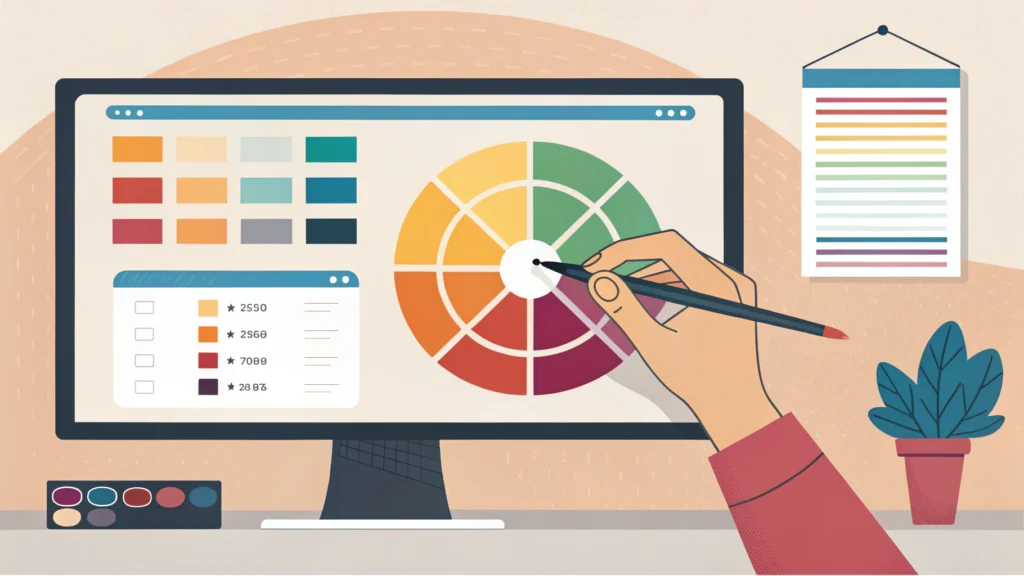
Introduction to Web Design
Web design is an essential part of the digital landscape, as it encompasses the visual aspects and usability of a website. In 2023, effective web design combines aesthetics with functionality, ensuring a seamless user experience. In this guide, we’ll cover the fundamentals of web design, including design principles, tools, and best practices.
Key Principles of Web Design
1. Visual Hierarchy
Visual hierarchy refers to the arrangement of elements on a page to guide users’ attention. Use size, color, and spacing to emphasize important content.
2. Responsive Design
Responsive design ensures that your website looks great on all devices. Use flexible grids and CSS media queries to adapt your layout to different screen sizes. For testing responsiveness, consider using our Responsive Simulator.
3. Consistency
Maintain a consistent style throughout your site with uniform colors, fonts, and layouts. This helps build brand identity and user trust.
Step-by-Step Guide to Creating a Web Design
Step 1: Define Your Goals
Identify the purpose of your website. Is it for personal blogging, an e-commerce platform, or a portfolio? A clear objective will guide your design decisions.
Step 2: Research and Gather Inspiration
Browse through design galleries, competitor websites, and design blogs to gather ideas. Use tools like our Meta Tag Generator to ensure your site is optimized for search engines.
Step 3: Sketch Your Layout
Create wireframes to visualize the layout of your site. Focus on the placement of key elements such as headers, footers, and navigation menus.
Step 4: Choose a Color Palette
Select colors that reflect your brand and evoke the desired emotions. Use tools like Adobe Color to create harmonious color schemes.
Step 5: Pick Fonts
Choose readable fonts that align with your brand’s personality. Limit yourself to two or three fonts for a clean look.
Step 6: Create and Optimize Graphics
Design graphics that enhance your website’s message. Use tools like the Button Generator to create custom buttons. Ensure all images are optimized for web use to improve loading times.
Step 7: Develop Your Website
Convert your designs into code using HTML, CSS, and JavaScript. Start with a clean HTML structure, and then style with CSS.
<!DOCTYPE html>
<html lang="en">
<head>
    <meta charset="UTF-8">
    <meta name="viewport" content="width=device-width, initial-scale=1.0">
    <title>My Website</title>
    <link rel="stylesheet" href="styles.css">
</head>
<body>
    <header>
        <h1>Welcome to My Website</h1>
    </header>
    <main>
        <p>This is a sample website layout.</p>
    </main>
    <footer>
        <p>Copyright 2023</p>
    </footer>
</body>
</html>
Step 8: Test and Improve
Conduct usability tests to identify areas for improvement. Gather feedback from users to enhance their experience. Tools like the CSS Minifier and JS Minifier can help optimize your code for better performance.
FAQs About Web Design
What is the purpose of web design?
The primary purpose of web design is to create an aesthetically pleasing and user-friendly website that effectively communicates its message.
What skills do I need for web design?
Web designers typically need skills in graphic design, HTML/CSS, UX/UI design, and responsive design principles.
How can I improve my web design skills?
Practice regularly, take online courses, and stay updated with the latest design trends. Engaging with web design communities can also provide valuable insights.
Conclusion
Web design is a multifaceted discipline that requires a blend of creativity and technical skills. By following these principles and steps, you can create visually appealing and functional websites. Don’t forget to utilize tools from WebToolsLab for streamlining your workflow and enhancing your design process!