Introduction
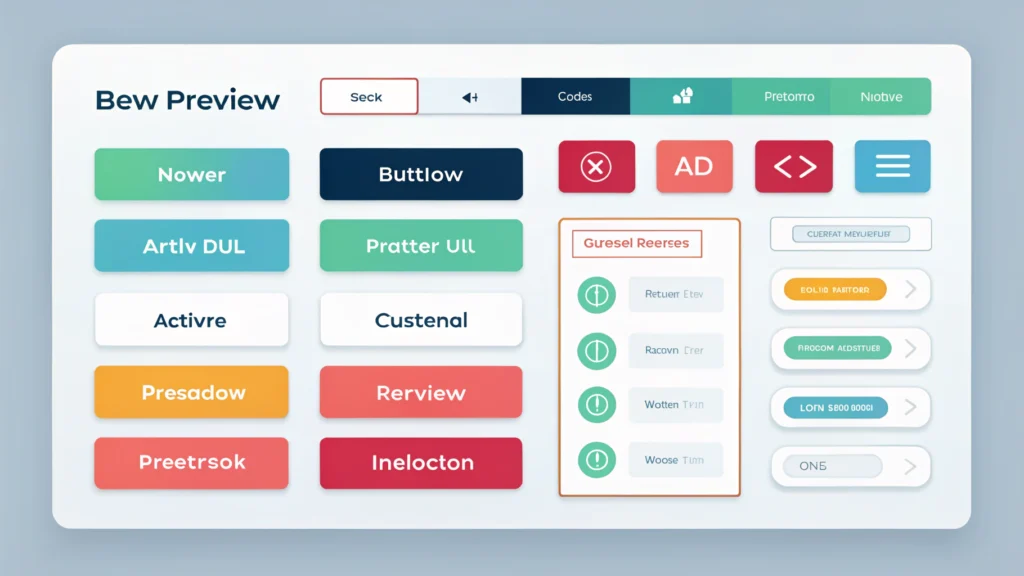
Creating visually appealing buttons is essential for web developers and marketers. The Button Generator from WebToolsLab offers a user-friendly interface to design and customize buttons quickly. In this guide, we will explore how to use this tool effectively, along with its benefits and use cases.
Outline
1. What is Button Generator?
2. How to Use the Button Generator
Step-by-Step Instructions
3. Pros and Cons
4. Use Cases
5. FAQs
6. Conclusion
1. What is Button Generator?
The Button Generator is an online tool designed to help developers and content creators generate buttons with customizable styles, colors, and dimensions. It simplifies the design process and allows you to create buttons that fit your website’s aesthetic.
2. How to Use the Button Generator
Follow these steps to create your custom button:
-
Visit the Button Generator page on WebToolsLab.
-
Select the button type you want to create.
-
Choose the desired size and shape of your button (e.g., rounded or square).
-
Pick a background color using the Color Picker tool.
-
Customize the text color, font style, and size.
-
Set the button’s hover effects, such as color changes or animations.
-
Preview your button and make any necessary adjustments.
-
Once satisfied, copy the generated HTML/CSS code.
-
Paste the code into your website’s HTML where you want the button to appear.
Code Example
<button style="background-color: #4CAF50; color: white; padding: 15px 32px; text-align: center; text-decoration: none; display: inline-block; font-size: 16px; margin: 4px 2px; cursor: pointer; border: none; border-radius: 5px;">Click Me!</button>3. Pros and Cons
Pros
- User-friendly interface makes it easy to create buttons.
- Customization options to fit various design needs.
- Quickly generates HTML/CSS code for seamless integration.
- Responsive design options available.
Cons
- Limited advanced features for complex button designs.
- May require additional CSS for specific layout needs.
4. Use Cases
- Creating call-to-action buttons for landing pages.
- Designing buttons for e-commerce product pages.
- Generating social media share buttons.
- Customizing buttons for email marketing campaigns.
5. FAQs
What formats does the Button Generator support?
The Button Generator primarily supports HTML and CSS formats.
Can I change the button text after generating the code?
Yes, you can easily change the button text in the generated HTML code.
Does the Button Generator work on mobile devices?
Yes, the buttons generated are responsive and can be used on mobile devices.
Is there a limit to the number of buttons I can create?
No, you can create as many buttons as you need!
6. Conclusion
The Button Generator from WebToolsLab is a powerful tool for web developers and marketers looking to create custom buttons efficiently. With its intuitive design and extensive customization options, you can enhance your website’s user experience. Try out the Button Generator today and create stunning buttons that drive engagement!