Introduction
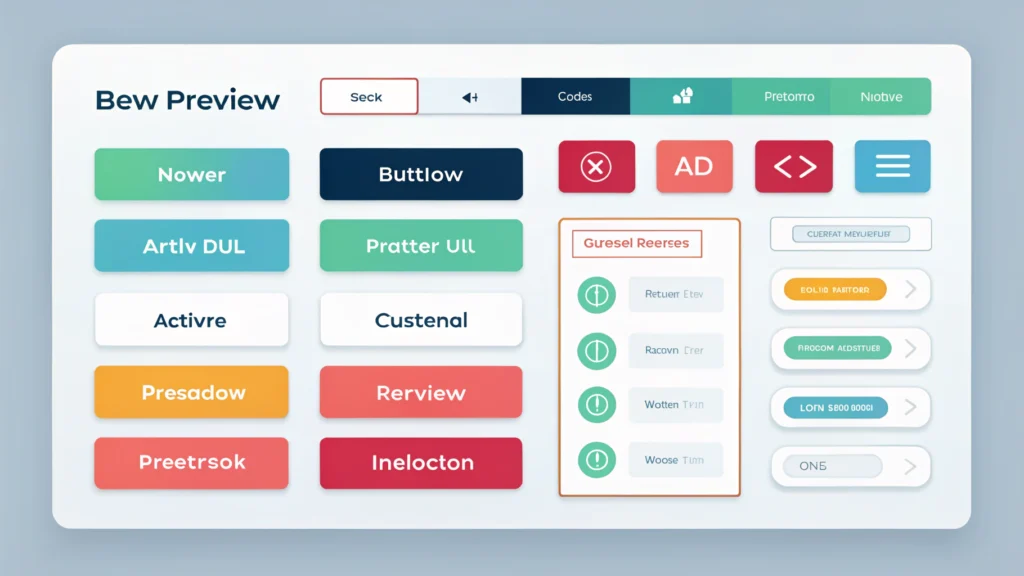
Creating visually appealing buttons can significantly enhance user interaction on your website. With the Button Generator from WebToolsLab, you can effortlessly design and customize buttons without any coding experience.
Outline
- What is the Button Generator?
- How to Create Buttons
- Code Examples
- Pros and Cons
- Use Cases
- FAQs
- Conclusion
What is the Button Generator?
The Button Generator is a web-based tool that allows users to create custom buttons for their websites. You can adjust various parameters, including color, size, shape, and text, to fit your design needs.
How to Create Buttons
- Visit the Tool: Go to the Button Generator page.
- Select Button Properties: Choose the button type, colors, and size from the provided options.
- Customize Text: Enter your desired button text and choose font styles.
- Preview Your Button: Use the preview feature to see how your button looks with your selected settings.
- Copy the Code: Once satisfied, copy the generated HTML/CSS code for your custom button.
Code Examples
Here’s an example of a simple button generated using the tool:
<a href="#" style="background-color: #4CAF50; color: white; padding: 15px 32px; text-align: center; text-decoration: none; display: inline-block; font-size: 16px; margin: 4px 2px; cursor: pointer; border-radius: 12px;">Click Me</a>Pros and Cons
Pros
- User-friendly interface
- Customizable options for various designs
- No coding required
- Quickly generate HTML/CSS code
Cons
- Limited to button designs only
- May require additional styling for complex designs
Use Cases
- Web developers needing quick button designs for projects
- Marketers creating call-to-action buttons for campaigns
- Content creators enhancing their website’s user interface
FAQs
1. Is the Button Generator free to use?
Yes, the Button Generator is completely free to use.
2. Can I use the buttons on any website?
Absolutely! You can use the generated buttons on any website or project.
3. Are there options for mobile responsiveness?
The buttons generated can be styled further to ensure they are responsive, depending on your website’s design.
4. What if I need a specific button shape?
You can customize the border radius to achieve various shapes using the Button Generator.
5. Can I edit the button after generating it?
Yes, you can return to the generator to make changes to your button design at any time.
Conclusion
The Button Generator from WebToolsLab is a powerful tool for anyone looking to create custom buttons with ease. Whether you’re a developer, a marketer, or a content creator, this tool can help streamline your design process and enhance the functionality of your website.