Introduction
Creating memorable web experiences is essential for any developer or tech enthusiast. With the rapid evolution of technology, having a modern CSS toolkit can significantly enhance your web design capabilities. In this blog post, we will explore how to leverage a CSS toolkit to craft stunning, user-friendly web interfaces that leave a lasting impression.
What is a CSS Toolkit?
A CSS toolkit is a collection of CSS styles, components, and utilities that help developers create consistent and visually appealing designs with ease. Modern CSS toolkits often come equipped with responsive design features, built-in animations, and customizable components.
Step-by-Step Guide to Creating Memorable Web Experiences
Step 1: Choose Your CSS Framework
One of the first steps in building a memorable web experience is to select a CSS framework that suits your project. Popular choices include Bootstrap, Tailwind CSS, and Bulma. Each framework offers unique features and components, so choose one that aligns with your design goals.
Step 2: Design Consistent UI Components
Utilize tools like the Button Generator to create consistent button styles across your application. Consistency in UI components helps users navigate more effectively.
/* Button styles example */
.btn {
    background-color: #007bff;
    color: white;
    padding: 10px 20px;
    border: none;
    border-radius: 5px;
    cursor: pointer;
}
Step 3: Implement Responsive Design
Responsive design ensures that your website looks great on all devices. Use media queries and flexible grid layouts to adjust your design based on screen size. You can also use the Responsive Simulator to test how your site appears on various devices.
Step 4: Optimize CSS Performance
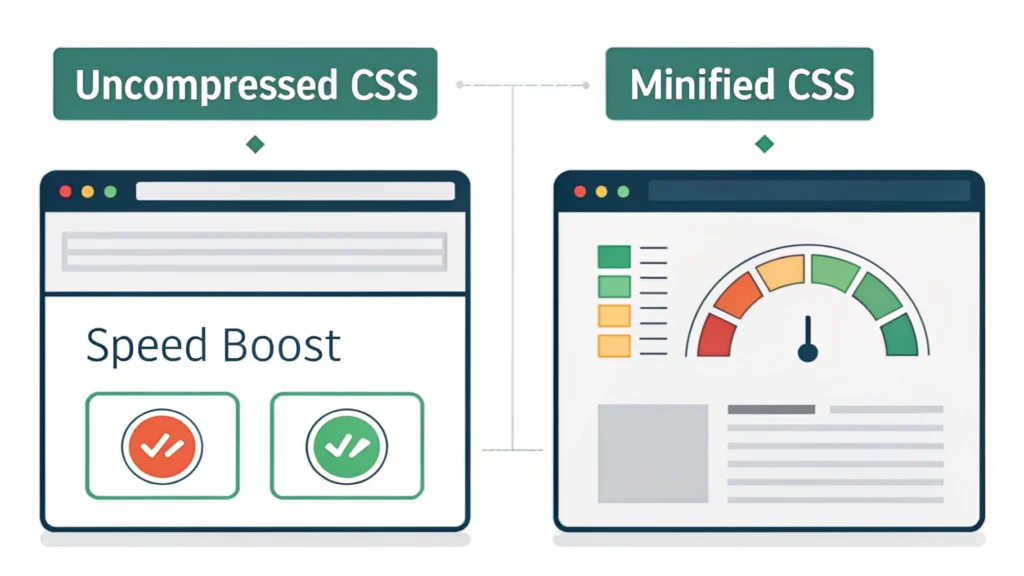
To ensure your web experience is fast and efficient, optimize your CSS files. Tools like the CSS Minifier can help reduce file sizes by removing unnecessary characters and spaces.
/* Example of minified CSS */
.btn{background-color:#007bff;color:white;padding:10px 20px;border:none;border-radius:5px;cursor:pointer;}
Step 5: Enhance User Interaction with Animations
Adding subtle animations can significantly enhance user engagement. Use CSS transitions and keyframe animations to bring your web elements to life. For instance, you can animate button hover effects to provide feedback to users.
.btn:hover {
    background-color: #0056b3;
    transition: background-color 0.3s ease;
}
Step 6: Test and Iterate
Once you’ve implemented your design, it’s crucial to test it across different browsers and devices. Gather user feedback to identify areas for improvement. Utilize tools like the HTML Minifier and JS Minifier for optimizing your code post-testing.
FAQs
What are the benefits of using a CSS toolkit?
A CSS toolkit saves time, ensures consistency, and simplifies responsive design, allowing developers to focus on functionality and user experience.
Can I customize components in a CSS toolkit?
Yes, most CSS toolkits are highly customizable, enabling you to tweak styles and components to fit your specific design needs.
How do I keep my CSS organized?
Structure your CSS by using a modular approach, where styles are grouped by component. This helps maintain organization and makes it easier to manage larger projects.
Conclusion
Creating memorable web experiences is a blend of design, performance, and user engagement. By utilizing a modern CSS toolkit, developers can craft aesthetically pleasing and functional websites that resonate with users. Remember to keep your styles consistent, responsive, and optimized for the best results. For more resources, check out the WebToolsLab (All Tools) for additional utilities to enhance your development workflow.