Introduction
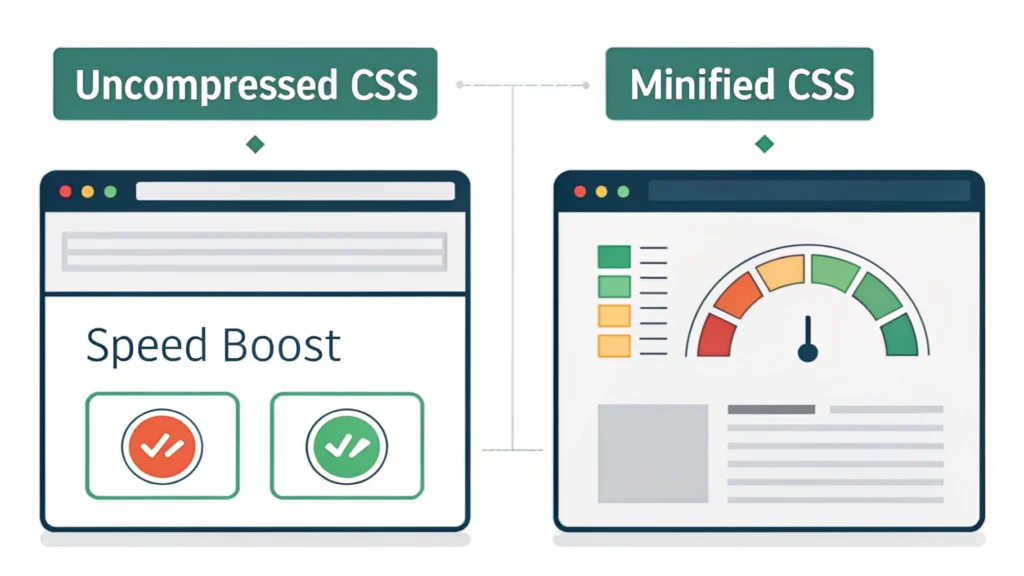
In today’s web development landscape, optimizing your code is crucial for improving site speed and performance. One effective way to enhance your website’s performance is by using an HTML Minifier. This tool helps reduce the size of your HTML files, making your web pages load faster and improving your SEO rankings.
What is HTML Minification?
HTML minification is the process of removing unnecessary characters from HTML code without affecting its functionality. This includes spaces, comments, and indentation, resulting in a smaller file size.
Benefits of Using HTML Minifier
- Improved Loading Speed: Smaller files load faster, enhancing user experience.
- Better SEO: Faster loading times can lead to higher search engine rankings.
- Reduced Bandwidth Usage: Minimized files consume less bandwidth, saving costs.
How to Use HTML Minifier
Step-by-Step Guide
- Access the Tool: Go to the HTML Minifier page.
- Input HTML Code: Paste your HTML code into the provided text area.
- Select Options: Choose minification options such as removing comments and whitespace.
- Click Minify: Press the ‘Minify’ button to process your HTML.
- Download or Copy: Once processed, copy the minified code or download it as a file.
Code Example
<!DOCTYPE html>
<html>
<head>
<title>My Web Page</title>
</head>
<body>
<h1>Welcome to My Website</h1>
<p>This is a sample paragraph.</p>
</body>
</html>
Minified Output
<!DOCTYPE html><html><head><title>My Web Page</title></head><body><h1>Welcome to My Website</h1><p>This is a sample paragraph.</p></body></html>Pros and Cons of HTML Minifier
Pros
- Significantly reduces file size.
- Enhances website loading speed.
- Easy to use with no technical knowledge required.
Cons
- May remove comments that are useful for developers.
- Over-minification can lead to loss of readability.
Use Cases
- Optimizing landing pages for better conversion rates.
- Improving the performance of web applications.
- Preparing HTML for production environments.
Frequently Asked Questions (FAQs)
1. What is the main purpose of HTML Minifier?
The main purpose is to reduce the size of HTML files for faster loading times and improved SEO.
2. Can I minify HTML files automatically?
Yes, many build tools integrate HTML minification as part of their processes.
3. Does minification affect the functionality of my website?
No, minification should not affect your website’s functionality if done correctly.
4. Is HTML Minifier free to use?
Yes, HTML Minifier is free to use on WebToolsLab.
5. Can I revert minified code back to its original format?
No, once minified, you cannot revert it back easily; keep a backup of the original code.
Conclusion
HTML Minifier is an essential tool for web developers and SEOs looking to optimize their websites. By reducing the size of HTML files, it helps improve loading speeds and enhances overall user experience. Don’t forget to explore other optimization tools like the CSS Minifier and JS Minifier for comprehensive performance enhancements.