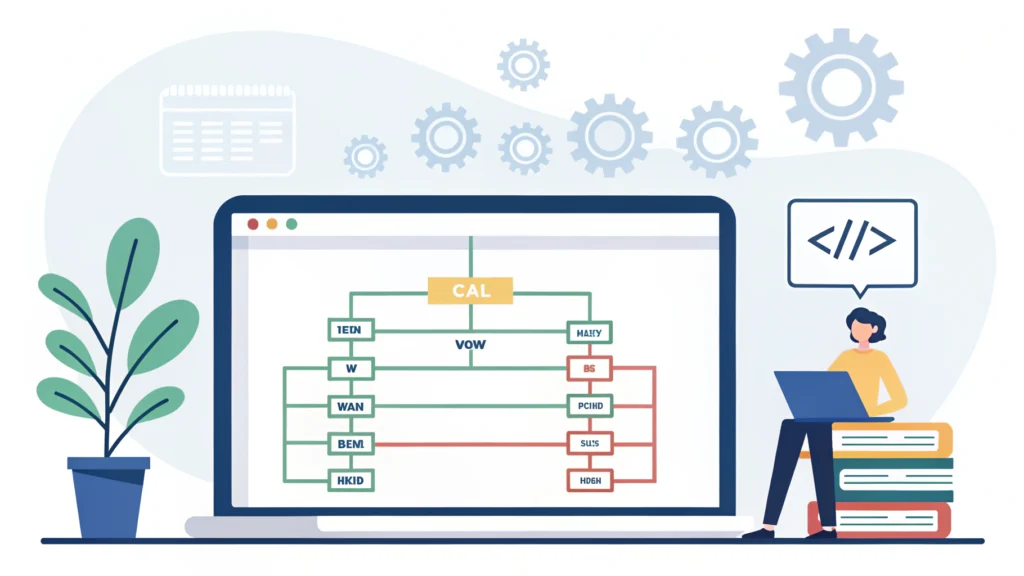
Introduction to Web Design
Web design encompasses many different skills and disciplines in the production and maintenance of websites. It involves a combination of graphic design, user interface design, and user experience considerations. With the rapid evolution of technology, understanding modern web design techniques is essential for developers and tech enthusiasts.
Essential Elements of Modern Web Design
- Responsive Design: Websites must look good on all devices, from desktop computers to smartphones.
- Usability: A website should be easy to navigate, ensuring that users can find what they need quickly.
- Visual Hierarchy: The arrangement of elements should clearly convey importance, guiding the user’s eye through the content.
- Accessibility: Websites should be designed to be usable by people of all abilities and disabilities.
- Loading Speed: Fast-loading websites enhance user experience and SEO performance.
Step-by-Step Guide to Creating a Modern Web Design
1. Define Your Purpose
Before designing, identify the purpose of the website. Is it for business, personal use, or a portfolio? Knowing the goal will guide your design choices.
2. Choose a Color Scheme
Select a color palette that reflects your brand identity or the message you want to convey. Tools like WebToolsLab (All Tools) can help you explore color combinations.
3. Create a Wireframe
Sketch a basic layout of your website to visualize the structure. Tools like Adobe XD or Figma can assist in this process.
4. Design Responsive Layouts
Utilize CSS frameworks like Bootstrap or Flexbox to create responsive designs. Here’s a simple example using Flexbox:
body {
  display: flex;
  flex-direction: column;
  align-items: center;
}

.container {
  width: 100%;
  max-width: 1200px;
  padding: 20px;
}
5. Optimize Images
Large images can slow down your website. Use tools like HTML Minifier to optimize image sizes without compromising quality.
6. Implement User Experience (UX) Principles
Ensure that users can navigate your site intuitively. Use clear calls-to-action (CTAs) and maintain consistent design elements.
7. Test and Iterate
Before launching your website, conduct usability tests to gather feedback. Use tools like Responsive Simulator to see how your site performs on different devices.
Code Example: Creating a Simple Button
Buttons are crucial for user interactions. Here’s how to create a simple button using HTML and CSS:
<button class="btn">Click Me</button>
FAQs about Web Design
What is web design?
Web design is the process of creating websites, focusing on the layout, visual appearance, and usability.
Why is responsive design important?
Responsive design ensures that a website looks and functions well on various devices, enhancing user experience and accessibility.
How can I improve my website’s loading speed?
Optimize images, minify CSS, HTML, and JavaScript files using tools like CSS Minifier, HTML Minifier, and JS Minifier.
Conclusion
Mastering modern web design techniques is vital for creating effective and attractive websites. By focusing on user experience, responsive design, and employing the right tools and frameworks, you can create a website that stands out in today’s digital landscape. Explore more tools at WebToolsLab to enhance your web design skills!