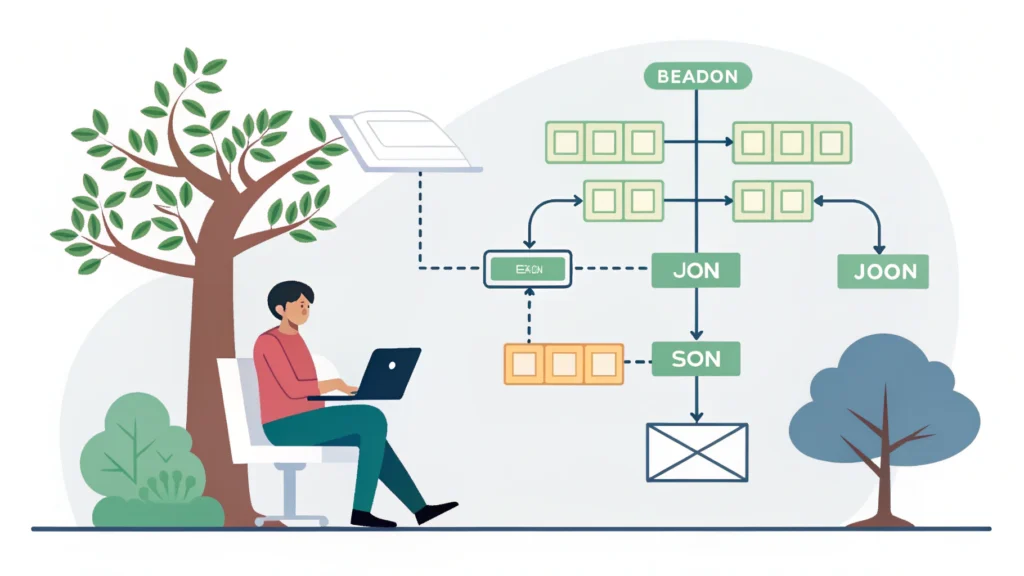
Introduction to Web App Development
In today’s digital landscape, web applications play a crucial role in how businesses operate and interact with customers. Unlike traditional software, web apps are accessible through browsers and require no installation on users’ devices. This guide will explore the essential steps and tools involved in web app development, helping developers and tech enthusiasts create powerful applications.
Understanding the Basics of Web App Development
Web app development involves several key components:
- Frontend Development: The part of the web app users interact with, built using HTML, CSS, and JavaScript.
- Backend Development: The server-side functionality that processes requests and manages data, often utilizing languages like Python, Ruby, or Node.js.
- Database Management: Storing and retrieving data using databases like MySQL, PostgreSQL, or MongoDB.
- Deployment: Making the web app available to users, typically on cloud platforms like AWS or Heroku.
Step-by-Step Guide to Web App Development
Step 1: Planning Your Web App
Start with a clear idea of what your web app will accomplish. Define your target audience, the problem it solves, and key features. Create a wireframe to visualize the user interface and user experience.
Step 2: Setting Up the Development Environment
Choose your tech stack. Common choices include:
- Frontend: React, Angular, or Vue.js
- Backend: Node.js, Django, or Ruby on Rails
- Database: MongoDB, MySQL, or PostgreSQL
Set up your local development environment using tools like Docker to ensure consistency across different machines.
Step 3: Designing the Frontend
Use HTML to create the structure of your app, CSS for styling, and JavaScript for interactivity. Utilize frameworks like Bootstrap for responsive design.
<!DOCTYPE html>
<html>
<head>
    <link rel="stylesheet" href="styles.css">
</head>
<body>
    <div class="container">
        <h1>Welcome to My Web App</h1>
        <button class="btn btn-primary">Click Me</button>
    </div>
</body>
</html>
Step 4: Building the Backend
Set up your server using your chosen backend language. Create RESTful APIs to handle requests from the frontend. Here’s an example using Node.js:
const express = require('express');
const app = express();

app.get('/api/data', (req, res) => {
    res.json({message: 'Hello, World!'});
});

app.listen(3000, () => {
    console.log('Server is running on port 3000');
});
Step 5: Database Integration
Connect your backend to a database to store and retrieve data. Use an ORM (Object-Relational Mapping) library for easier data manipulation. For example, with Sequelize in Node.js:
const { Sequelize, DataTypes } = require('sequelize');
const sequelize = new Sequelize('database', 'username', 'password', {
    host: 'localhost',
    dialect: 'mysql'
});

const User = sequelize.define('User', {
    username: { type: DataTypes.STRING, allowNull: false },
    password: { type: DataTypes.STRING, allowNull: false }
});
Step 6: Testing Your Web App
Conduct thorough testing to ensure functionality and usability. Use tools like Jest for JavaScript testing or Selenium for end-to-end testing.
Step 7: Deployment
Deploy your web app using platforms like Heroku or AWS. Make sure to set up environment variables and configure your server for production. Utilize tools like the Meta Tag Generator to optimize your app for search engines.
FAQs about Web App Development
What technologies should I use for web app development?
The choice of technology depends on your project requirements, but popular stacks include MERN (MongoDB, Express, React, Node.js) or LAMP (Linux, Apache, MySQL, PHP).
How long does it take to develop a web app?
The timeline varies based on complexity, but a simple web app can take a few weeks, while more complex projects can take several months.
Can I build a web app without coding?
Yes, there are no-code platforms like Bubble and Adalo that allow you to create web apps without traditional coding.
Conclusion
Web app development is a rewarding journey that requires careful planning, the right tools, and a clear understanding of both frontend and backend technologies. By following the steps outlined in this guide, developers can create effective and engaging web applications that meet user needs. For more tools to aid your development process, check out the WebToolsLab for essential resources like the CSS Minifier and JS Minifier.