Introduction
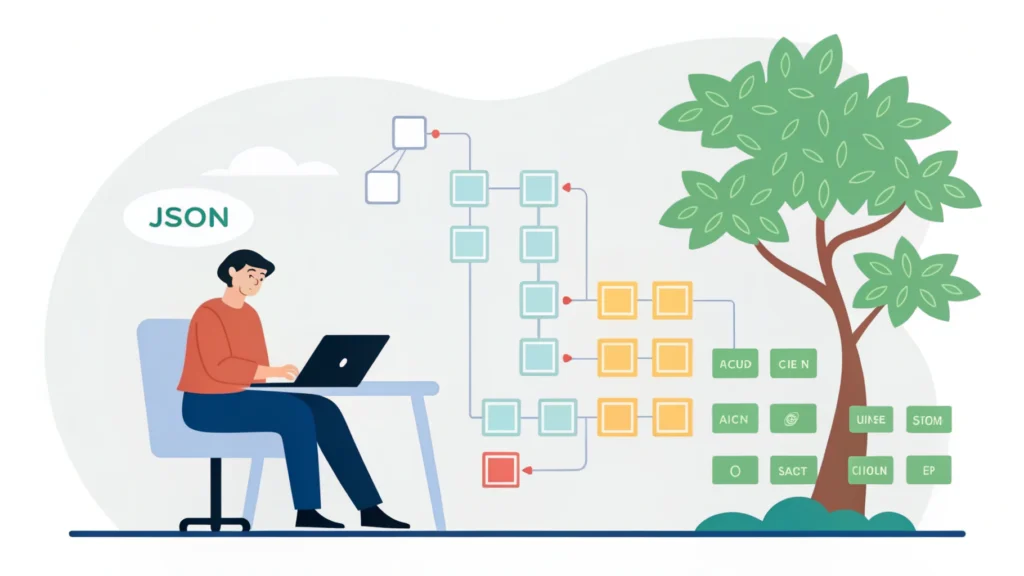
Web application development is the process of creating web applications that run on web browsers. Unlike traditional desktop applications, these applications can be accessed from anywhere, providing a seamless user experience across devices. In this guide, we will explore the key steps involved in web application development, essential tools, and best practices that every developer should know.
Understanding Web Applications
Web applications are interactive software applications that are hosted on web servers and accessed via web browsers. They combine server-side scripts (like PHP, Ruby, Python) and client-side scripts (like JavaScript) to create dynamic content. Examples include social media platforms, online shopping sites, and content management systems.
Step-by-Step Guide to Web Application Development
Step 1: Planning and Requirements Gathering
The first step in web application development is to define the purpose and functionality of the application. Gather requirements by engaging with stakeholders and users. Create a list of features and functionalities to prioritize during development.
Step 2: Choosing the Right Technology Stack
Select the programming languages, frameworks, and databases that best fit your project needs. Common choices include:
- Frontend: HTML, CSS, JavaScript frameworks (React, Angular, Vue.js)
- Backend: Node.js, Python (Django, Flask), Ruby on Rails
- Database: MySQL, PostgreSQL, MongoDB
Step 3: Designing the User Interface
A user-friendly interface is crucial for a successful web application. Use design tools like Figma or Adobe XD to create wireframes and prototypes. Consider responsive design principles to ensure compatibility across devices.
Step 4: Development
Begin coding your web application. Follow best practices for coding standards and maintainability. Use version control systems like Git to manage your codebase effectively.
git init
git add .
git commit -m "Initial commit"
Step 5: Testing
Conduct thorough testing to identify bugs and issues. Perform unit testing, integration testing, and user acceptance testing (UAT). Make use of automated testing tools to streamline the process.
Step 6: Deployment
Once testing is complete, deploy your web application to a production environment. Choose a reliable hosting service and ensure your application is secure. Monitor performance and user feedback for ongoing improvements.
Step 7: Maintenance and Updates
Regularly update your application to add new features, fix bugs, and improve security. Utilize tools like the CSS Minifier and JS Minifier to optimize your code and enhance performance.
Essential Tools for Web Application Development
Here are some useful tools that can assist you in various stages of web application development:
- Button Generator – Create custom buttons for your web app.
- HTML Minifier – Reduce the size of your HTML files.
- JSON Formatter – Format and validate JSON data.
FAQs about Web Application Development
What is the difference between web applications and websites?
Web applications are interactive and dynamic, allowing users to perform tasks, while websites are generally static and informational.
What programming languages are commonly used for web applications?
Common languages include HTML, CSS, JavaScript for frontend development, and languages like Python, Ruby, and PHP for backend development.
How important is responsive design in web applications?
Responsive design is crucial as it ensures that your application works seamlessly across different devices and screen sizes, enhancing the user experience.
Conclusion
Web application development is a multifaceted process that requires careful planning, execution, and ongoing maintenance. By following the steps outlined in this guide and utilizing essential tools, developers can create robust and user-friendly web applications. For more resources and tools, visit WebToolsLab.