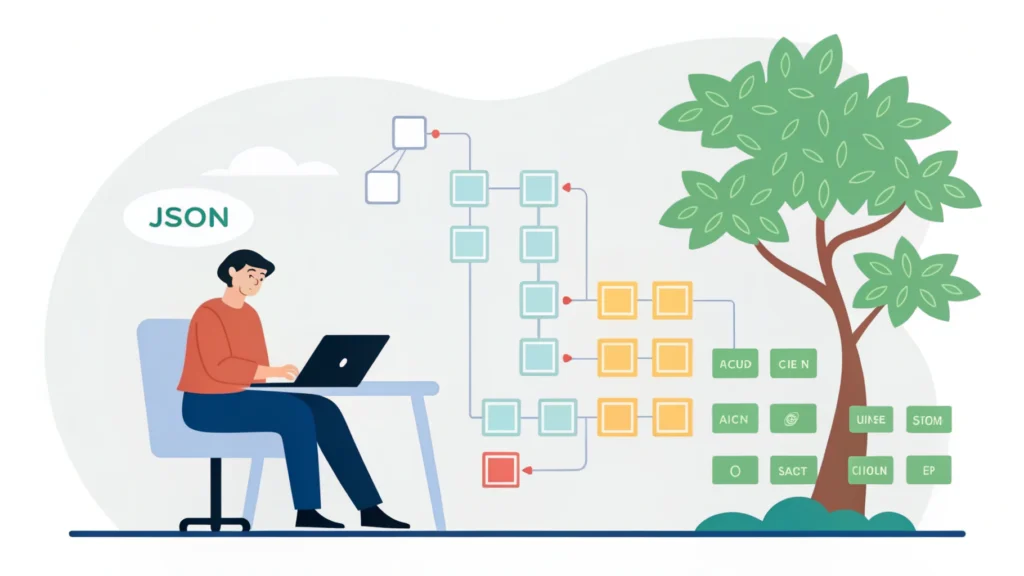
Introduction to Web Application Development
Web application development refers to the process of creating software applications that run on a web server and can be accessed through a web browser. Unlike traditional desktop applications, web applications are platform-independent and provide users with the ability to interact with the software via the internet. This guide will help you navigate the essential steps in web application development, from planning and designing to coding and deployment.
Understanding the Basics
Before diving into the development process, it’s essential to understand the key components involved in web application development, including:
- Front-end Development: The visual part of the application that users interact with, built using HTML, CSS, and JavaScript.
- Back-end Development: The server-side part that handles data storage, business logic, and server configuration.
- Database Management: Storing and managing data efficiently using databases like MySQL, MongoDB, or PostgreSQL.
Step-by-Step Guide to Web Application Development
Step 1: Planning and Requirements Gathering
Start by defining the purpose of your web application. What problem does it solve? Who are the target users? Gather requirements and create a project plan.
Step 2: Designing the User Interface
Design a user-friendly interface that enhances user experience. Use wireframes and mockups to visualize the layout. Tools like the Button Generator can assist in creating interactive buttons for your designs.
Step 3: Choosing the Right Technology Stack
Select the appropriate technologies for your web app. Common stacks include:
- MEAN: MongoDB, Express.js, Angular.js, Node.js
- MERN: MongoDB, Express.js, React, Node.js
- LAMP: Linux, Apache, MySQL, PHP
Step 4: Front-end Development
Use HTML, CSS, and JavaScript to build the client-side of your application. Ensure responsiveness with CSS frameworks like Bootstrap. Optimize your CSS using tools like CSS Minifier to reduce file size and improve load times.
Step 5: Back-end Development
Set up your server and database. Create APIs to communicate between the front end and back end. Here’s a simple Node.js example:
const express = require('express');
const app = express();

app.get('/api/data', (req, res) => {
    res.json({ message: 'Hello World!' });
});

app.listen(3000, () => {
    console.log('Server is running on port 3000');
});
Step 6: Database Integration
Integrate your chosen database into the back end. Ensure proper CRUD (Create, Read, Update, Delete) operations are implemented. Test your database connections thoroughly.
Step 7: Testing Your Application
Conduct thorough testing to identify and fix bugs. Perform unit tests, integration tests, and user acceptance testing to ensure everything works as expected.
Step 8: Deployment
Deploy your web application on a web server. Choose hosting services like AWS, Heroku, or DigitalOcean. Ensure your deployment is secure and scalable.
Step 9: Maintenance and Updates
After deployment, regularly maintain your application by fixing bugs, updating libraries, and adding new features. Tools like the Meta Tag Generator can help with SEO optimizations.
Common FAQs
What is the difference between web apps and websites?
Web apps are interactive applications that allow users to perform specific tasks online, while websites primarily provide informational content.
What programming languages are best for web development?
Common languages used in web development include HTML, CSS, JavaScript for the front end, and languages like PHP, Python, Ruby, or Node.js for the back end.
How do I ensure my web application is secure?
Implement security best practices such as input validation, HTTPS, authentication, and regular security audits.
Conclusion
Web application development can be a rewarding venture for developers and tech enthusiasts alike. By following the steps outlined in this guide, you can create robust and user-friendly web applications. Don’t forget to utilize tools from WebToolsLab to optimize your development process!