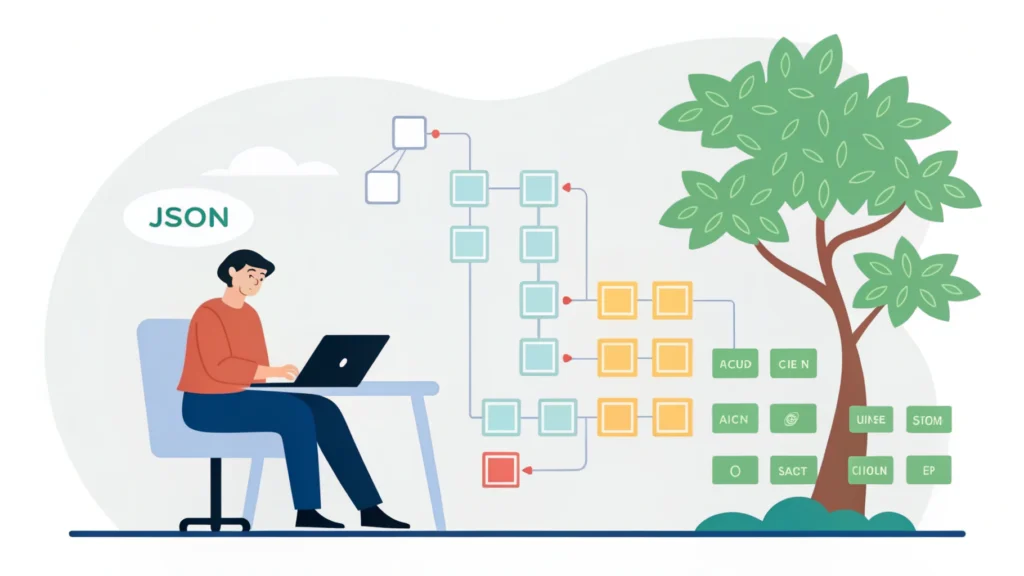
Introduction to Web Design and Development
Web design and development are critical components of creating engaging and functional websites. Both disciplines work in tandem to ensure that a site is visually appealing, user-friendly, and capable of meeting the needs of its audience. In this guide, we will explore the essential aspects of web design and development, along with tools and techniques that can enhance your skills.
Understanding Web Design
Web design focuses on the aesthetics and usability of websites. It involves layout, color schemes, typography, and overall user experience (UX). Good web design not only attracts visitors but also guides them through the website efficiently.
Key Elements of Web Design
- Layout: The arrangement of visual elements on a page.
- Color Scheme: Harmony in colors to evoke emotions and reinforce branding.
- Typography: The art of arranging text to make it readable and visually appealing.
- Images and Graphics: Visual elements that enhance engagement.
- User Experience (UX): The overall experience of a user interacting with a website.
Understanding Web Development
Web development deals with the technical aspects of building a website. It includes coding, server management, and database handling. Developers use various programming languages and frameworks to create dynamic and interactive web applications.
Key Technologies in Web Development
- HTML: The backbone of web content, providing structure.
- CSS: Controls the layout and appearance of the HTML elements.
- JavaScript: Adds interactivity and dynamic features to websites.
- Backend Languages: Such as PHP, Python, and Ruby for server-side logic.
- Frameworks: Libraries like React, Angular, and Vue.js that streamline development.
Step-by-Step Guide to Web Design and Development
Step 1: Plan Your Website
Before diving into design or coding, outline the purpose and goals of your website. Create a sitemap to visualize the structure and content.
Step 2: Design the Layout
Use design software like Adobe XD or Sketch to create wireframes. Focus on user experience by ensuring intuitive navigation.
Step 3: Choose Your Technology Stack
Select the languages and frameworks that suit your project. For static sites, HTML, CSS, and JavaScript might suffice. For dynamic sites, consider backend technologies.
Step 4: Develop the Frontend
Begin coding the user interface using HTML for structure and CSS for styling. Here’s a basic example:
<!DOCTYPE html>
<html lang="en">
<head>
    <meta charset="UTF-8">
    <meta name="viewport" content="width=device-width, initial-scale=1.0">
    <title>My Website</title>
    <link rel="stylesheet" href="styles.css">
</head>
<body>
    <header>
        <h1>Welcome to My Website</h1>
    </header>
    <main>
        <p>This is a sample web page.</p>
    </main>
</body>
</html>
Step 5: Develop the Backend
Implement server-side logic and database management. For example, using PHP with a MySQL database:
<?php
$servername = "localhost";
$username = "username";
$password = "password";
$dbname = "myDB";

$conn = new mysqli($servername, $username, $password, $dbname);

if ($conn->connect_error) {
    die("Connection failed: " . $conn->connect_error);
}
echo "Connected successfully";
?>
Step 6: Optimize Your Website
Use tools to minify your CSS, HTML, and JavaScript files for better performance. For instance, check out the CSS Minifier and JS Minifier available at WebToolsLab.
Step 7: Test Your Website
Ensure your website works well across different devices and browsers. Tools like the Responsive Simulator can help you visualize how your site looks on various screens.
Step 8: Launch Your Website
Once everything is tested and optimized, it’s time to go live! Choose a hosting provider and upload your files.
FAQs
What is the difference between web design and web development?
Web design focuses on aesthetics and user experience, while web development involves coding and technical implementation.
Which tools are best for web design?
Popular tools include Adobe XD, Sketch, and Figma for design, and WebToolsLab offers various utilities to enhance your workflow.
How can I optimize my website for SEO?
Use the Meta Tag Generator to create SEO-friendly tags, and ensure your site is mobile-friendly.
Conclusion
Web design and development are essential skills in today’s digital landscape. By following the steps outlined in this guide, you can create websites that are not only visually appealing but also functional and optimized for performance. Utilize tools from WebToolsLab to streamline your workflow and enhance your site’s capabilities.