Introduction to Web Design Development
In today’s digital age, web design development is crucial for building engaging, user-friendly websites. This guide will walk you through the essential steps and tools needed to create an effective web design, whether you are a seasoned developer or a newcomer to the field.
Understanding the Basics of Web Design
Before diving into the development process, it’s important to grasp the fundamental principles of web design:
- User Experience (UX): Focus on creating a seamless experience for users.
- Responsive Design: Ensure your site looks good on all devices, from mobile to desktop.
- Accessibility: Make your website usable for people of all abilities.
- Visual Hierarchy: Organize content to guide users through your site effectively.
Step-by-Step Web Design Development
Step 1: Planning Your Website
The first step in web design development is planning. Define your goals, target audience, and the content structure. Create wireframes to visualize the layout.
Step 2: Choosing the Right Tools
Utilize various tools to streamline your development process. Here are some recommended tools from WebToolsLab:
- Button Generator – Create custom buttons for your site.
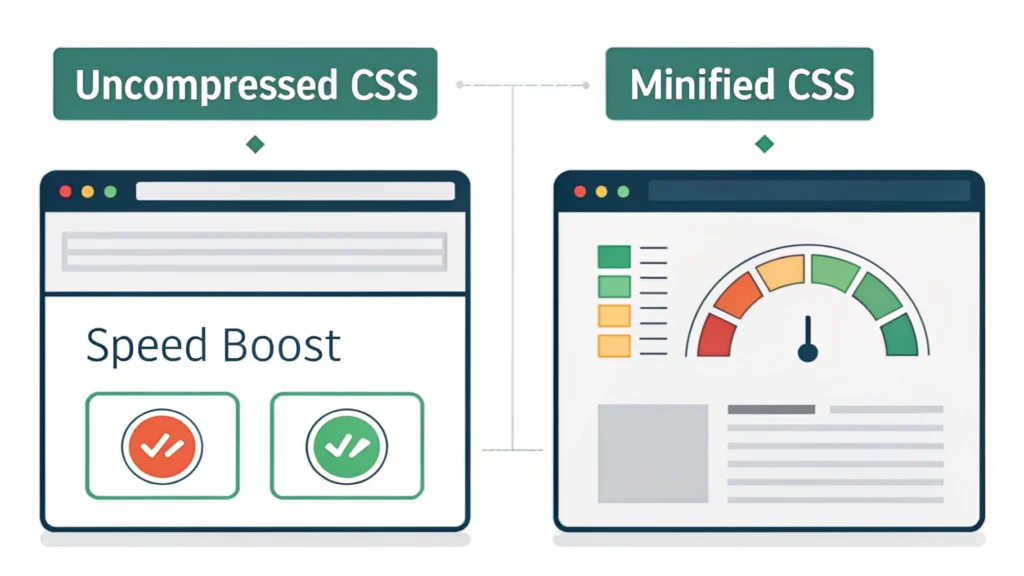
- CSS Minifier – Optimize your CSS files for faster loading times.
- HTML Minifier – Reduce the size of your HTML files.
- JS Minifier – Compress JavaScript files to improve performance.
Step 3: Designing the Layout
With your wireframes and tools in place, start designing your website’s layout. Use a grid system to ensure alignment and consistency. Tools like Adobe XD or Figma can be handy for prototyping.
Step 4: Coding Your Website
Now it’s time to bring your design to life with code. Here’s a basic HTML structure:
<!DOCTYPE html>
<html lang="en">
<head>
    <meta charset="UTF-8">
    <meta name="viewport" content="width=device-width, initial-scale=1.0">
    <title>My Website</title>
    <link rel="stylesheet" href="styles.css">
</head>
<body>
    <header>
        <h1>Welcome to My Website</h1>
    </header>
    <main>
        <p>This is a sample website created using HTML and CSS.</p>
    </main>
    <footer>
        <p>Contact us at example@example.com</p>
    </footer>
</body>
</html>
Step 5: Testing Your Website
After coding, it’s essential to test your website across different browsers and devices. Tools like the Responsive Simulator can help ensure your site is mobile-friendly.
Step 6: Launching Your Website
Once testing is complete, it’s time to launch your website. Make sure to optimize your site for SEO with tools like the Meta Tag Generator to enhance your search visibility.
FAQs About Web Design Development
What is web design development?
Web design development refers to the process of planning, creating, and maintaining websites, incorporating both design and functional aspects.
What tools do I need for web design?
Essential tools include design software (like Adobe XD), code editors (like VSCode), and various online resources for optimizing code and assets.
How can I make my website more responsive?
Utilize media queries in CSS and frameworks like Bootstrap to create fluid layouts that adapt to different screen sizes.
Conclusion
Web design development is an essential skill for anyone looking to create a professional online presence. By following these steps and utilizing the right tools, you can build a stunning, functional website that meets your goals. Explore more tools at WebToolsLab to enhance your web design process.