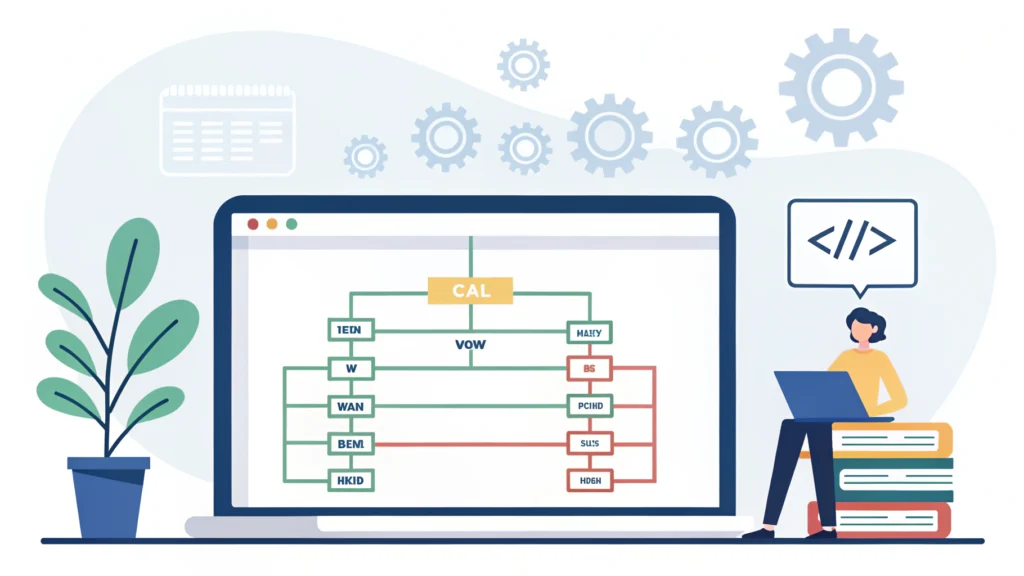
Introduction to Web Design Development
Web design development is the process of creating visually appealing and functional websites. It involves understanding user experience, implementing design principles, and coding. In this guide, we will walk through essential steps and tools to enhance your web design development skills.
Understanding the Basics of Web Design Development
What is Web Design?
Web design encompasses several disciplines, including graphic design, interface design, and user experience (UX) design. The primary aim is to create websites that are not only attractive but also user-friendly.
What is Web Development?
Web development refers to the backend processes involved in building a website, including coding, server management, and database management. It typically involves languages like HTML, CSS, and JavaScript.
Step-by-Step Guide to Web Design Development
Step 1: Planning Your Website
The first step in web design development is planning. This involves defining the purpose of your website, identifying your target audience, and sketching out the layout.
- Define your website goals.
- Identify your audience.
- Create wireframes for layout.
Step 2: Designing the Interface
Once you have a plan, you can start designing the interface. Use design tools to create mockups and prototypes. Tools like Adobe XD and Figma are popular choices.
Step 3: Coding the Website
After finalizing your design, it’s time to code the website. Here’s a simple structure using HTML and CSS:
<!DOCTYPE html>
<html lang="en">
<head>
    <meta charset="UTF-8">
    <meta name="viewport" content="width=device-width, initial-scale=1.0">
    <title>My Website</title>
    <link rel="stylesheet" href="styles.css">
</head>
<body>
    <header>
        <h1>Welcome to My Website</h1>
    </header>
    <main>
        <p>This is my first web page!</p>
    </main>
    <footer>
        <p>© 2023 My Website</p>
    </footer>
</body>
</html>
Step 4: Making Your Website Responsive
Responsive design ensures your website looks good on all devices. Use CSS media queries to achieve this. Here’s a quick example:
@media (max-width: 600px) {
    body {
        background-color: lightblue;
    }
}
Step 5: Optimizing Your Site
Optimization is crucial for performance. You can use tools like the CSS Minifier, HTML Minifier, and JS Minifier to reduce file sizes and improve loading times.
Step 6: Testing Your Website
Testing is essential to catch issues before launch. Use tools to test for responsiveness, SEO, and performance. A Responsive Simulator can help you check how your site looks on various devices.
Frequently Asked Questions
What skills do I need for web design development?
Essential skills include HTML, CSS, JavaScript, and an understanding of design principles.
How long does it take to learn web design development?
The learning curve varies, but with consistent practice, you can become proficient in a few months.
What are the best tools for web design development?
Popular tools include Figma for design, Visual Studio Code for coding, and various minifiers from WebToolsLab for optimization.
Conclusion
Web design development combines creativity and technical skills. By following this step-by-step guide and utilizing the right tools, you can create stunning, functional websites that engage users effectively. For more resources and tools, check out WebToolsLab (All Tools) to enhance your web design journey.