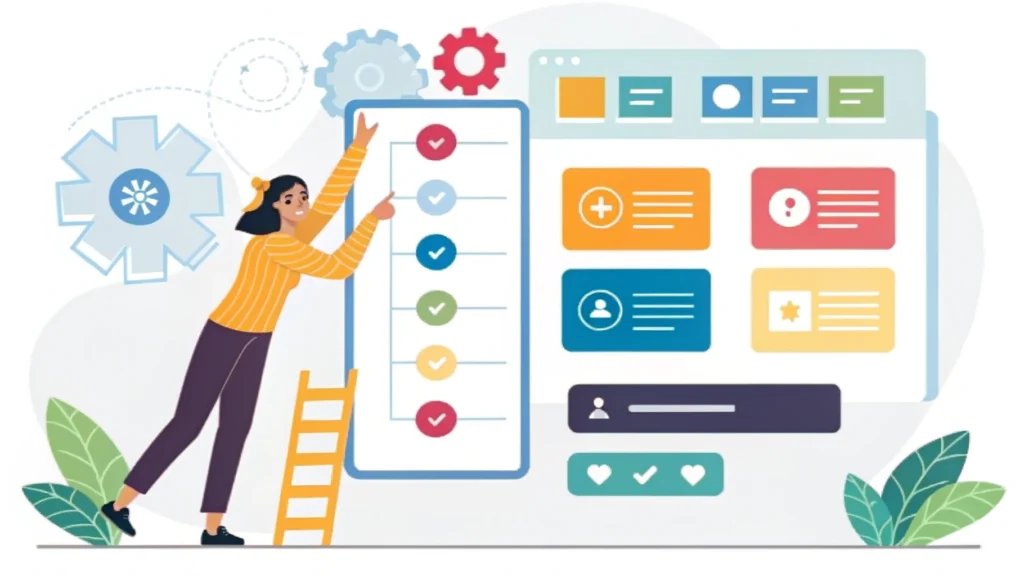
Introduction to Web Design Development
Web design development is a multifaceted discipline that encompasses the design, development, and maintenance of websites. It involves both the aesthetic aspects of a website (how it looks) and the technical aspects (how it works). In this guide, we will explore the key components of web design development, essential tools, and best practices for creating engaging and responsive websites.
Key Components of Web Design Development
1. User Experience (UX) and User Interface (UI)
Understanding the difference between UX and UI is crucial in web design development. UX focuses on the overall experience a user has while interacting with a website, while UI deals with the specific elements that enable user interaction. A good UX leads to higher user satisfaction and retention.
2. Responsive Design
Responsive design is an approach that ensures a website looks and functions well across devices of various sizes—from desktops to mobile phones. This is essential in today’s mobile-first world.
Step-by-Step Guide to Web Design Development
Step 1: Planning Your Website
- Define your website’s purpose and goals.
- Identify your target audience.
- Create a sitemap outlining the pages and structure.
Step 2: Designing the Layout
Once the planning is complete, sketch out the design layout. You can use tools like the Button Generator to create interactive buttons that enhance your design.
Step 3: Development
Start coding your website using HTML, CSS, and JavaScript. Here’s a simple example of a responsive button:
<button class="btn">Click Me</button>
Step 4: Testing and Optimization
Use tools like the CSS Minifier and HTML Minifier to optimize your code. Testing your website on multiple devices and browsers is also crucial to ensure functionality and user experience.
Step 5: Launching Your Website
After thorough testing, it’s time to launch your website. Make sure to implement SEO best practices, such as using relevant meta tags. You can use the Meta Tag Generator to create optimized tags for your site.
FAQs about Web Design Development
What tools do I need for web design development?
You will need a code editor (like Visual Studio Code), graphic design software (like Adobe XD or Figma), and various online tools for optimization and testing.
How long does it take to develop a website?
The timeline varies based on complexity. A simple website can take a few weeks, while a more complex site may take several months.
Is coding required for web design?
Coding knowledge is beneficial but not strictly necessary, as many website builders offer drag-and-drop functionality. However, understanding HTML, CSS, and JavaScript can help you create more customized experiences.
Conclusion
Web design development is an essential skill in today’s digital landscape. By following the steps outlined in this guide and utilizing the right tools, you can create visually appealing and highly functional websites. For more tools and resources to aid your web design journey, check out WebToolsLab (All Tools).