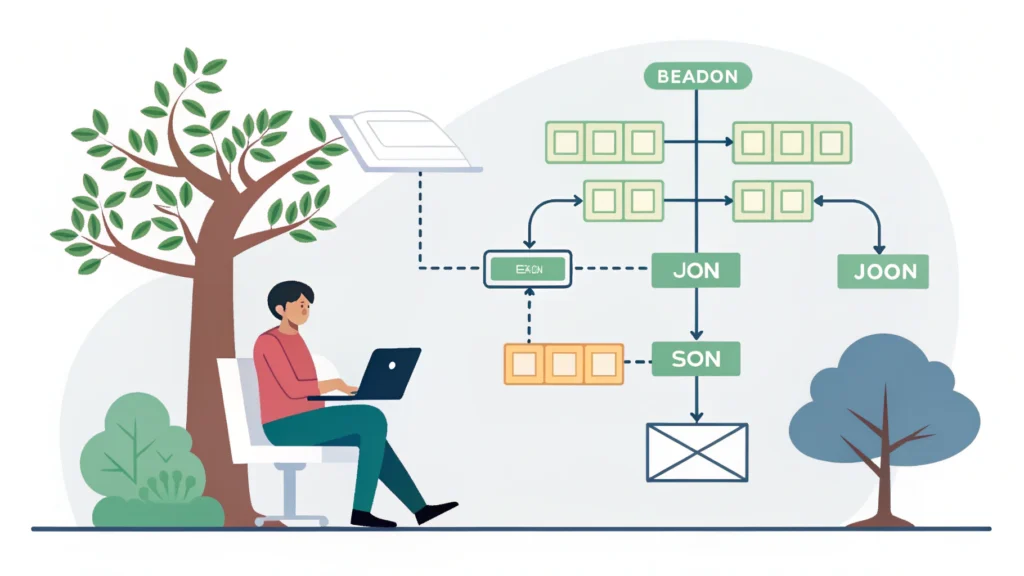
Introduction to Web Design Development
Web design development is a crucial aspect of creating a successful online presence. It involves the combination of aesthetics and functionality to deliver a seamless user experience. In this guide, we will explore the essential elements of web design development, providing practical steps and tools that developers can use to enhance their workflow.
Understanding the Basics of Web Design
1. Design Principles
- Balance: Ensures visual stability in your design.
- Contrast: Helps in drawing attention to key elements.
- Hierarchy: Guides users through the content.
- Consistency: Creates familiarity and enhances usability.
2. Responsive Design
Responsive design is vital for ensuring that your website looks great on all devices. Utilize CSS media queries to adapt your layout to different screen sizes.
@media (max-width: 600px) {
  body {
    background-color: lightblue;
  }
}
Step-by-Step Guide to Web Design Development
Step 1: Planning Your Website
Start by defining your target audience and the purpose of your website. Create a sitemap to outline the structure of your site.
Step 2: Wireframing
Use wireframing tools to sketch the layout of your pages. This helps visualize the placement of elements before diving into code.
Step 3: Choosing the Right Tools
Select the right tools for your development process. For example, use the Button Generator to create visually appealing buttons quickly.
Step 4: Coding Your Website
Start coding your website using HTML, CSS, and JavaScript. Here’s a basic example of a responsive navigation bar:
<nav>
  <ul>
    <li><a href="#home">Home</a></li>
    <li><a href="#services">Services</a></li>
    <li><a href="#contact">Contact</a></li>
  </ul>
</nav>
Step 5: Optimize Performance
Make use of minifiers to reduce file sizes and improve load times. Tools like CSS Minifier, HTML Minifier, and JS Minifier can be extremely helpful.
Step 6: Testing Your Website
After development, it’s crucial to test your website across different devices and browsers. Use tools like the Responsive Simulator to ensure compatibility.
FAQs about Web Design Development
What is the difference between web design and web development?
Web design focuses on the aesthetics and usability of a website, while web development involves the coding and technical aspects that make the website function.
How important is SEO in web design?
SEO is crucial as it helps improve your website’s visibility on search engines. Incorporating SEO best practices during the design phase can lead to better rankings and traffic.
Can I create a website without coding?
Yes, there are numerous website builders available that allow you to create websites without coding, but having coding knowledge can enhance flexibility and customization.
Conclusion
Web design development is an ongoing process that combines creativity with technical skills. By following the steps outlined in this guide and utilizing the various tools available at WebToolsLab, you can create a visually appealing and functional website that meets the needs of your audience. Whether you’re a beginner or an experienced developer, continuously learning and adapting to new trends is key to success in this dynamic field.