Introduction to Web Design Development
In the digital age, having an impressive online presence is crucial for businesses and individuals alike. Web design development is the process of creating visually appealing and functional websites. This guide will walk you through the essential steps to master web design development, from planning and wireframing to implementation and testing.
Step-by-Step Guide to Web Design Development
Step 1: Define Your Goals
Before diving into design, understand what you want to achieve with your website. Consider your target audience and the primary purpose of the site.
Step 2: Research and Gather Inspiration
Look at competitor websites and design trends to gather ideas. Websites like WebToolsLab offer tools that can help you analyze competitors’ sites.
Step 3: Create a Wireframe
A wireframe is a blueprint of your website’s layout. Use tools like the Button Generator to visualize buttons and interactive elements. Start with a simple sketch on paper or use digital tools.
Step 4: Choose Your Technology Stack
Select the technologies you will use for web development. Common choices include:
- HTML for structure
- CSS for styling
- JavaScript for interactivity
Step 5: Design the User Interface (UI)
Focus on creating a user-friendly interface that reflects your brand. Pay attention to color schemes, typography, and layout. Use tools like the CSS Minifier to optimize your CSS code.
Step 6: Develop the Backend
If your site requires a backend (e.g., databases, user authentication), choose a server-side language like PHP, Python, or Node.js. Ensure your backend is secure and efficient.
Step 7: Optimize for SEO
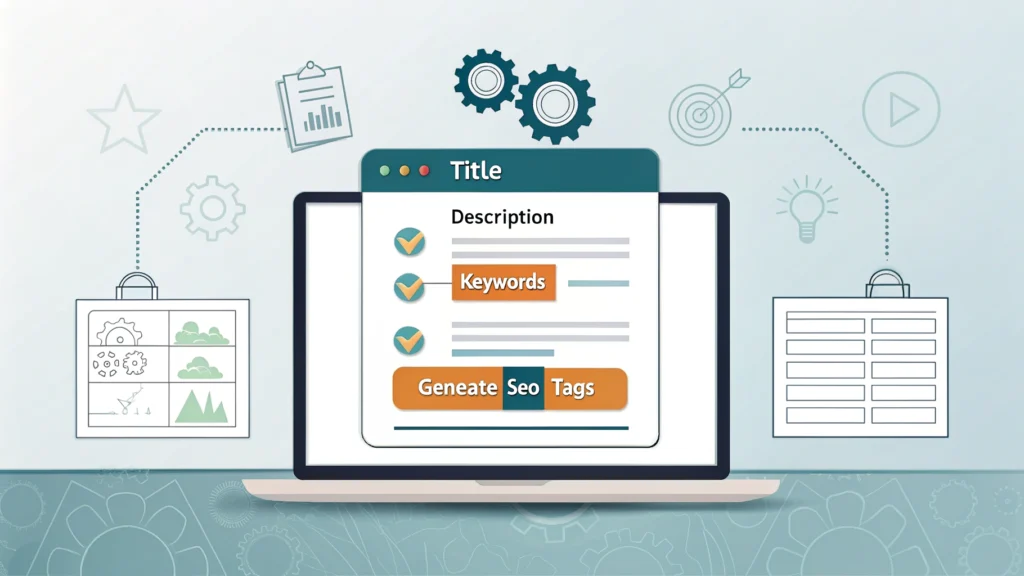
Make your website search-engine friendly. Use the Meta Tag Generator to create essential meta tags. Additionally, pay attention to keywords, titles, and descriptions.
Step 8: Test Your Website
Before launching, thoroughly test your website. Check for responsiveness using a Responsive Simulator, fix any bugs, and ensure cross-browser compatibility.
Step 9: Launch and Monitor
Once testing is complete, launch your website. Use analytics tools to monitor traffic and user behavior. This data will help you make informed adjustments in the future.
Code Examples for Web Design Development
Below are some basic code snippets to help you get started with HTML and CSS:
<!DOCTYPE html>
<html lang="en">
<head>
    <meta charset="UTF-8">
    <meta name="viewport" content="width=device-width, initial-scale=1.0">
    <title>My Website</title>
    <link rel="stylesheet" href="styles.css">
</head>
<body>
    <header>
        <h1>Welcome to My Website</h1>
    </header>
    <main>
        <p>This is my first web design</p>
    </main>
</body>
</html>
FAQs about Web Design Development
What tools are essential for web design development?
Key tools include code editors (like Visual Studio Code), graphic design software (like Adobe XD), and browser developer tools.
How can I make my website responsive?
Use CSS media queries to adjust your layout based on different screen sizes. Testing with a Responsive Simulator can help ensure compatibility across devices.
What is the importance of SEO in web design?
SEO ensures your website is discoverable in search engines, driving organic traffic. Properly structured HTML, optimized content, and relevant keywords are crucial for effective SEO.
Conclusion
Web design development is a multifaceted process that requires careful planning and execution. By following the steps outlined in this guide, you can create stunning and functional websites that meet user needs and business objectives. Don’t forget to utilize tools from WebToolsLab to streamline your development process.