Introduction to Web Design Development
Web design development is a crucial aspect of creating engaging, user-friendly websites. It encompasses everything from layout and aesthetics to technical implementation and user experience (UI/UX). In this guide, we’ll take a comprehensive look at the step-by-step process of web design development, offering tools and tips along the way.
Step-by-Step Guide to Web Design Development
Step 1: Define Your Goals
Before starting any project, it’s essential to define your goals. Ask yourself:
- What is the purpose of your website?
- Who is your target audience?
- What actions do you want users to take?
Step 2: Plan Your Design
Create a wireframe or a mockup of your website. This will serve as the blueprint for your design. You can use tools like the Button Generator to visualize buttons and actions on your site.
Step 3: Choose Your Tools
Utilize various web tools to streamline your design and development process. Here are a few must-have tools:
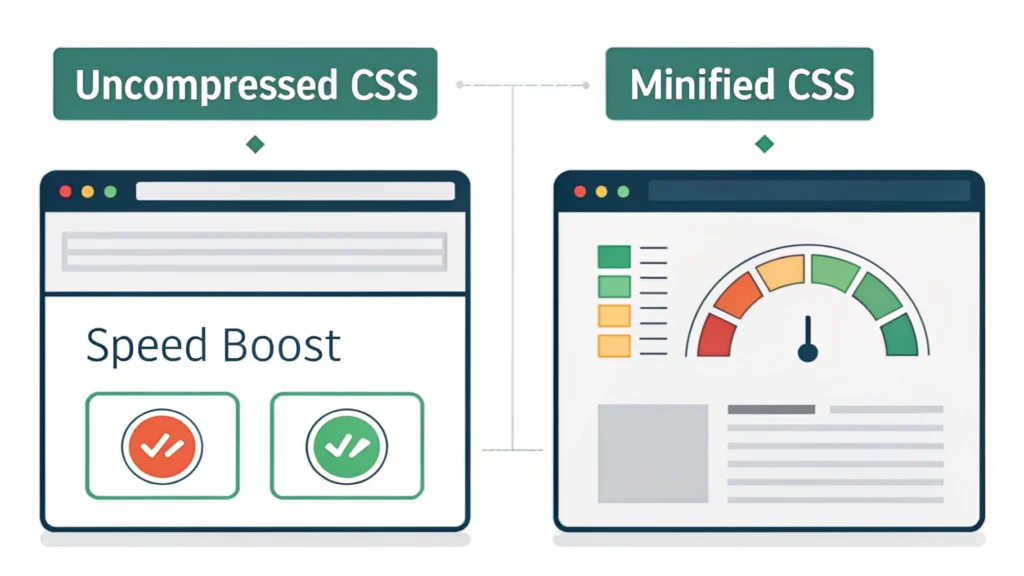
- CSS Minifier – Optimizes your CSS files.
- HTML Minifier – Reduces HTML file size for faster load times.
- JS Minifier – Compresses JavaScript files.
Step 4: Develop Your Website
Start coding your website using HTML, CSS, and JavaScript. Here’s a simple example of how to structure your HTML:
<!DOCTYPE html>
<html lang="en">
<head>
    <meta charset="UTF-8">
    <meta name="viewport" content="width=device-width, initial-scale=1.0">
    <title>My Website</title>
    <link rel="stylesheet" href="styles.css">
</head>
<body>
    <header>
        <h1>Welcome to My Website</h1>
    </header>
    <main>
        <p>This is a simple web page.</p>
    </main>
</body>
</html>
Step 5: Optimize for SEO
SEO (Search Engine Optimization) is vital for making your website visible. Use tools like the Meta Tag Generator to create essential meta tags.
Step 6: Test Your Website
Before launching, ensure your website functions correctly on multiple devices and browsers. Tools like the Responsive Simulator can help you check how your site appears across different screen sizes.
Step 7: Launch and Maintain
Once everything is in place and tested, it’s time to launch your website. However, the work doesn’t stop here. Regular maintenance and updates are necessary for performance and security.
FAQs about Web Design Development
What programming languages should I learn for web design?
HTML, CSS, and JavaScript are fundamental. Additionally, learning frameworks like React or Angular can be beneficial.
How can I make my website responsive?
Utilize CSS media queries and frameworks like Bootstrap to create responsive designs that adapt to various screen sizes.
What tools can help with web design?
There are several tools available, including design software like Adobe XD, Figma, and development tools like those found on WebToolsLab.
Conclusion
Web design development is an exciting and evolving field. By following the steps outlined in this guide and utilizing the right tools, you can create stunning websites that meet user needs and achieve business goals. Start your journey today!