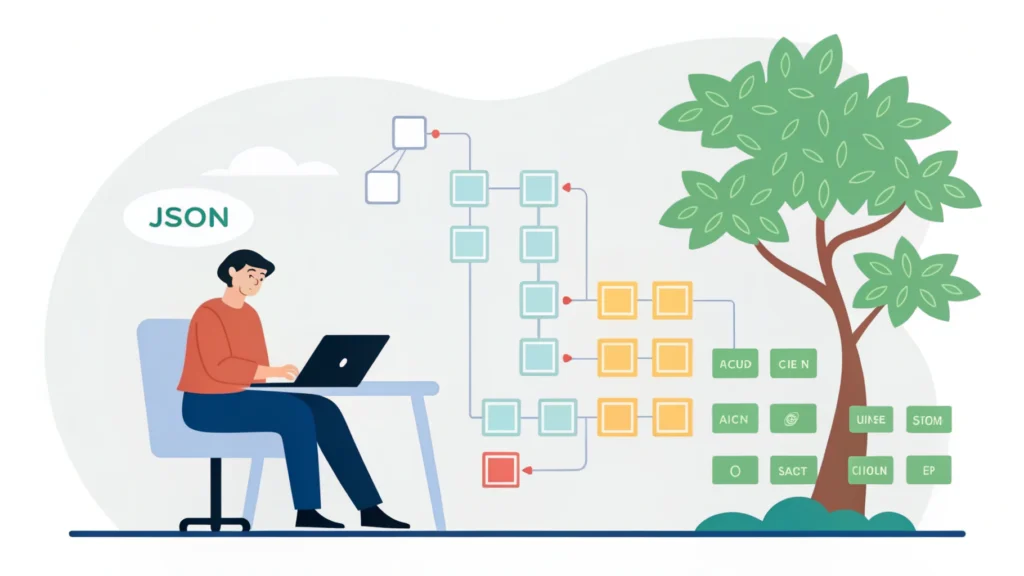
Introduction to Web Design Development
Web design development is an essential skill for developers and tech enthusiasts. It involves creating visually appealing, user-friendly websites that meet the needs of users while adhering to industry standards. This guide covers the key steps involved in web design development, tools you can use, and best practices to follow.
Step-by-Step Guide to Web Design Development
Step 1: Define Your Goals
Before diving into design, it’s crucial to understand the purpose of your website. Is it a personal blog, an online store, or a portfolio? Defining your goals will help guide your design decisions.
Step 2: Research and Plan
Gather inspiration from existing websites and create a wireframe or a sitemap. Planning your website’s structure is essential for a smooth development process. Consider using tools like the Responsive Simulator to visualize how your design will look on different devices.
Step 3: Choose Your Tools
Select the right tools for your project. Some essential tools include:
- Button Generator for creating compelling call-to-action buttons.
- Meta Tag Generator to optimize your site for search engines.
- CSS Minifier to compress your CSS files, enhancing loading speed.
- HTML Minifier to reduce the size of your HTML documents.
- JS Minifier to optimize your JavaScript files.
Step 4: Design Your Website
Start designing your site based on the wireframe you created. Use HTML for structure, CSS for styling, and JavaScript for interactivity. Here’s a simple code example:
<!DOCTYPE html>
<html lang="en">
<head>
    <meta charset="UTF-8">
    <meta name="viewport" content="width=device-width, initial-scale=1.0">
    <title>My Web Design</title>
    <link rel="stylesheet" href="styles.css">
</head>
<body>
    <header>
        <h1>Welcome to My Web Design</h1>
    </header>
    <main>
        <p>This is a simple web design example.</p>
    </main>
    <footer>
        <p>Footer content here</p>
    </footer>
</body>
</html>
Step 5: Optimize for SEO
Search Engine Optimization (SEO) is vital for your site’s visibility. Use relevant keywords throughout your content, optimize your meta tags, and ensure your website is mobile-friendly. Utilizing the SEO title and description generator can help in crafting effective meta tags.
Step 6: Test Your Website
Before launching, thoroughly test your website for functionality, responsiveness, and performance. Tools like JSON Formatter can help in debugging JSON data used in your site.
Step 7: Launch and Maintain
Once everything is in place, launch your website. Remember that web design is an ongoing process; regularly update your content and design based on user feedback and analytics.
FAQs
What is web design development?
Web design development is the process of creating websites that are visually appealing, user-friendly, and optimized for performance and search engines.
What tools can I use for web design development?
There are numerous tools available, including design software, minifiers, and generators. Check out WebToolsLab (All Tools) for a comprehensive list.
How important is SEO in web design?
SEO is crucial as it helps your website rank higher in search results, increasing visibility and traffic.
Conclusion
Web design development is a multifaceted process that requires careful planning and execution. By following these steps and utilizing the right tools, you can create a successful website that meets your goals and engages your audience. Remember, the key to effective web design is to focus on the user experience while ensuring your website is optimized for search engines.