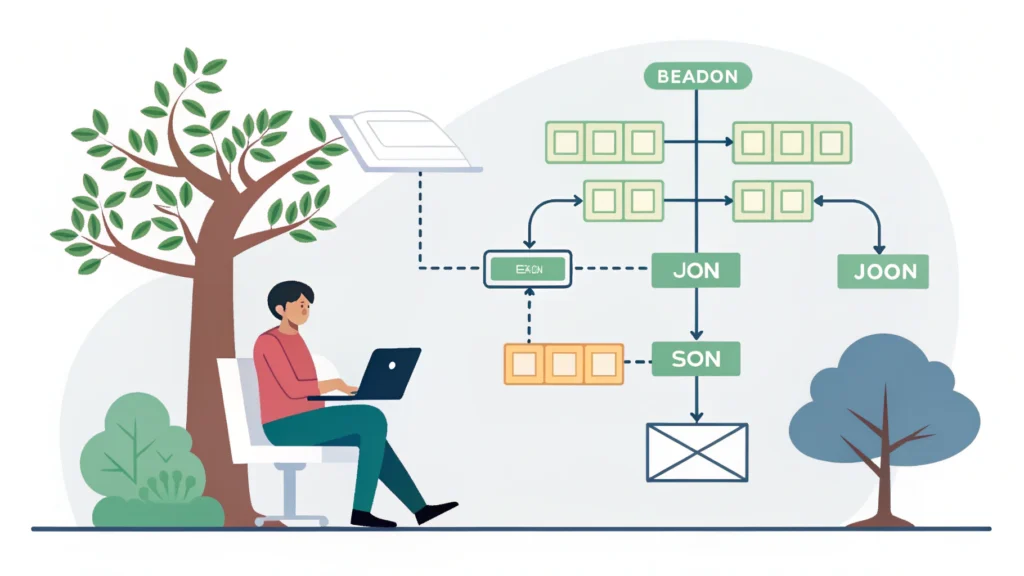
Introduction to Web Development
Web development refers to the activities and processes involved in creating and maintaining websites or web applications. It encompasses various tasks, such as web design, content creation, client-side/server-side scripting, and network security configuration. Understanding web development is crucial for anyone interested in technology and the internet.
Types of Web Development
1. Front-End Development
Front-end development focuses on the user interface and experience. It involves creating the visual elements of a website that users interact with directly. Key technologies include:
- HTML: The markup language used to structure content.
- CSS: Cascading Style Sheets used for styling HTML elements.
- JavaScript: A scripting language that enables dynamic content and interaction.
2. Back-End Development
Back-end development involves server-side programming and database management. It ensures that the front-end receives data and processes user requests. Common languages and technologies include:
- PHP: A server-side scripting language often used for web development.
- Node.js: JavaScript runtime built on Chrome’s V8 engine, allowing server-side scripting.
- SQL: A language used to manage and manipulate databases.
3. Full-Stack Development
Full-stack developers are proficient in both front-end and back-end technologies. They can handle all aspects of web development from the user interface to server management.
How to Start Web Development: A Step-by-Step Guide
- Learn the Basics: Start with HTML, CSS, and JavaScript. These are the foundational languages of web development.
- Choose a Specialization: Decide whether you want to focus on front-end, back-end, or full-stack development.
- Practice: Build small projects to enhance your skills. Consider using tools like Button Generator to create UI elements quickly.
- Explore Frameworks: Familiarize yourself with frameworks like React, Angular, or Vue.js for front-end, and Express or Django for back-end development.
- Learn Version Control: Use Git and GitHub to manage your code and collaborate with others.
- Optimize Your Code: Use tools like CSS Minifier and JS Minifier to enhance performance.
- Stay Updated: The tech landscape is always changing, so keep learning about new trends and technologies.
Code Example: A Simple Web Page
<!DOCTYPE html>
<html lang="en">
<head>
    <meta charset="UTF-8">
    <meta name="viewport" content="width=device-width, initial-scale=1.0">
    <title>My First Web Page</title>
</head>
<body>
    <h1>Welcome to My Web Page</h1>
    <p>This is a simple web page built with HTML.</p>
</body>
</html>
FAQs About Web Development
What tools do web developers use?
Web developers utilize various tools for coding, debugging, and testing. Some popular tools include code editors like VS Code, browsers for testing, and frameworks for speeding up development.
Is web development a good career choice?
Absolutely! With the growing demand for websites and web applications, web development offers numerous job opportunities and a lucrative salary.
How long does it take to learn web development?
The timeframe varies based on the individual’s dedication and prior experience. Generally, you can start building simple websites in a few months.
Conclusion
Web development is an exciting field that combines creativity with technical skills. Whether you’re looking to build your own projects or pursue a career in tech, understanding web development is essential. Use resources like WebToolsLab for tools and guidance as you embark on your web development journey.