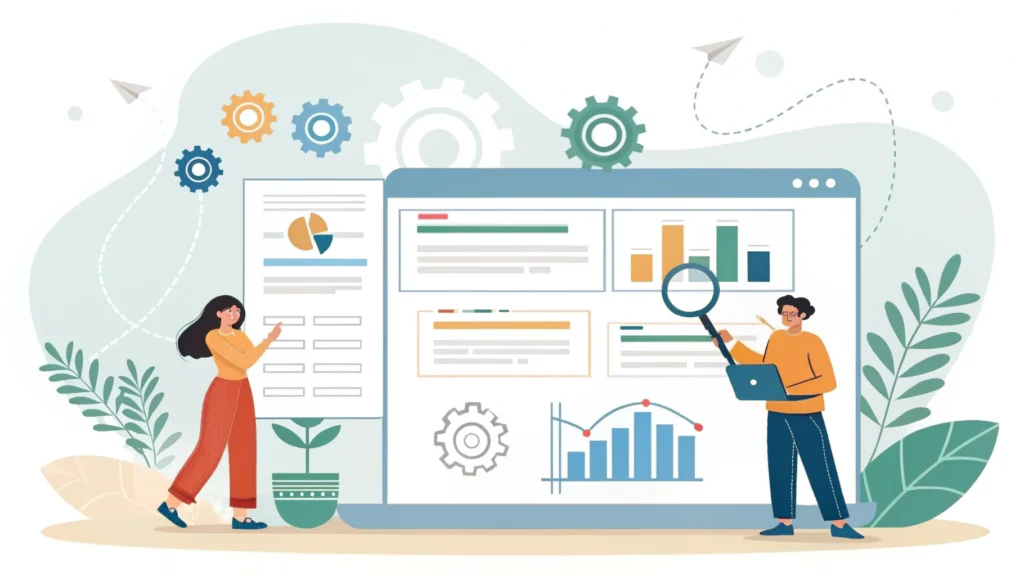
Introduction to Web Design and Development
In the digital age, creating a visually appealing and highly functional website is pivotal for any business or personal brand. This guide covers the essentials of web design and development, providing you with the knowledge needed to build stunning, responsive websites.
Understanding Web Design vs. Web Development
Web Design focuses on the visual aesthetics of the site. It involves layout, colors, typography, and imagery to create an engaging user experience. On the other hand, Web Development pertains to the technical aspects, including coding and server-side scripting.
Step-by-Step Guide to Building a Website
1. Planning Your Website
Start by defining the purpose of your website. Is it for a personal blog, a portfolio, or an e-commerce platform? Understanding your audience will help in designing an effective layout.
2. Choosing the Right Tools
Utilize various tools to streamline your process:
- Meta Tag Generator – for creating essential SEO tags.
- Button Generator – for designing interactive buttons.
3. Designing Your Website
Use design tools like Adobe XD or Figma to create wireframes. Remember to focus on:
- Color Schemes
- Typography
- Navigation Structure
4. Writing HTML and CSS
HTML and CSS form the backbone of any website. Here’s a basic structure:
<!DOCTYPE html>
<html lang="en">
<head>
    <meta charset="UTF-8">
    <meta name="viewport" content="width=device-width, initial-scale=1.0">
    <link rel="stylesheet" href="styles.css">
    <title>My Website</title>
</head>
<body>
    <header>
        <h1>Welcome to My Website</h1>
    </header>
    <main>
        <p>This is a sample website.</p>
    </main>
    <footer>
        <p>Copyright 2023</p>
    </footer>
</body>
</html>
5. Minifying Your Code
To improve loading times, minify your HTML, CSS, and JavaScript. Use tools like:
6. Testing Your Website
Test your website across multiple devices using a Responsive Simulator. Ensure that it looks great on both desktop and mobile.
7. Launching Your Website
Once testing is complete, it’s time to launch! Choose a hosting provider and deploy your site. Don’t forget to monitor performance and user engagement!
FAQs About Web Design and Development
Q1: What programming languages should I learn?
A: Begin with HTML, CSS, and JavaScript. These languages are fundamental for web design and development.
Q2: How can I improve my web design skills?
A: Practice regularly, study design trends, and utilize tools like Word Counter for content optimization.
Q3: What makes a website responsive?
A: A responsive website adjusts its layout based on the screen size, providing an optimum viewing experience.
Conclusion
Mastering web design and development is an ongoing journey. By following the steps outlined in this guide and utilizing the recommended tools, you can create websites that are not only visually appealing but also functional and user-friendly. For more tools and resources, check out WebToolsLab (All Tools).