
Optimize Your JavaScript with JS Minifier
Learn how to use JS Minifier to compress your JavaScript files, improving load times and performance.
Optimize Your JavaScript with JS Minifier Read More »

Learn how to use JS Minifier to compress your JavaScript files, improving load times and performance.
Optimize Your JavaScript with JS Minifier Read More »

Learn how to use the CSS Minifier tool to compress your CSS files, improving load times and performance.
Optimize Your CSS with the CSS Minifier Tool Read More »

Transform your JPG images to WebP format for faster loading times and better SEO performance with our easy-to-use JPG to WebP Converter.
Convert JPG to WebP Easily with Our Tool Read More »
Use our Button Generator to create stylish buttons in seconds. Customize colors, sizes, and styles to match your design.
Effortlessly Create Custom Buttons with Button Generator Read More »

Learn how to convert PNG images to WebP format effectively using our PNG to WebP Converter tool. Optimize your website’s images today!
Convert PNG to WebP Easily with Our Tool Read More »

Easily format and beautify your XML code with our XML Beautifier tool. Improve readability and organization for better development.
Transform Your XML with XML Beautifier Tool Read More »

Discover WebToolsLab’s comprehensive toolset for developers and SEOs to enhance productivity and web performance.
Unlocking WebToolsLab: Your Ultimate Toolset Read More »

🚀 Introduction Minifying JavaScript is essential for improving website speed and performance — but if not done properly, it can break your website’s functionality. Many developers fear that minifying JS might introduce bugs, break animations, or stop critical functions from working. In this guide, you’ll learn how to minify JavaScript without breaking your site, and
How to Minify JavaScript Without Breaking Functionality Read More »

JavaScript is the backbone of interactive websites, but unoptimized JS files can hurt your website’s loading time. That’s where JavaScript minification comes in. It’s a simple yet powerful way to shrink your JS files, improve page speed, and offer a better user experience. Whether you’re a developer or website owner, understanding JS minification is essential
JavaScript Minification: What It Is and Why You Need It Read More »
Introduction Want to speed up your website’s loading time and improve performance? One of the quickest ways to achieve that is by minifying your CSS files. CSS minification removes unnecessary spaces, comments, and formatting from your stylesheets—making them smaller and faster to load. In this post, we’ll explore the top 5 online CSS minifiers developers
Top 5 Online CSS Minifiers for Developers (Reviewed) Read More »

Introduction CSS minification is a great way to improve your website’s loading speed—but if done incorrectly, it can break layouts, cause display issues, and lead to debugging nightmares. Whether you’re a seasoned developer or just getting started, it’s important to understand the common CSS minification errors and how to fix them. In this guide, we’ll
Common CSS Minification Errors and How to Fix Them Read More »
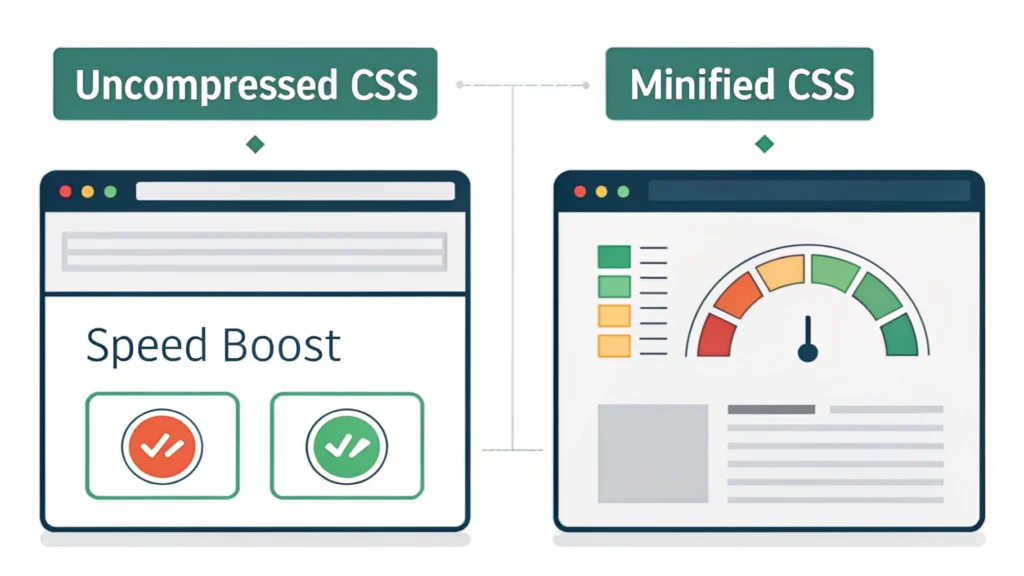
Introduction Website speed and performance have always mattered—but now, Google’s Core Web Vitals make it essential. One key tactic to boost these performance metrics is CSS minification. By reducing the size of your stylesheets, you can drastically improve load times and user experience. In this guide, we’ll break down the role of CSS minification in
The Role of CSS Minification in Core Web Vitals Read More »