Introduction
In web development, buttons are crucial elements that enhance user interaction. Our Button Generator tool allows developers and content creators to design custom buttons effortlessly. This guide will walk you through the features, how to use the tool, and best practices for button design.
Features of the Button Generator
- Customizable colors and styles
- Adjustable size and padding
- CSS code generation for easy integration
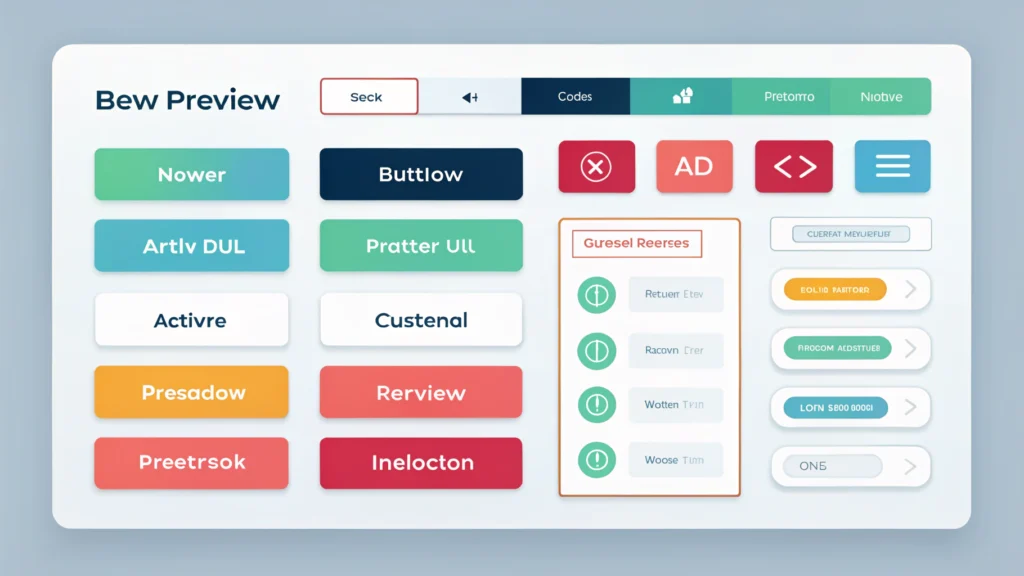
- Preview functionality for immediate feedback
How to Use the Button Generator
- Access the Tool: Visit the Button Generator page.
- Select Your Button Style: Choose from various pre-defined styles or start from scratch.
- Customize Colors: Use the built-in Color Picker to select your desired background and text colors.
- Adjust Size and Padding: Specify the width, height, and padding to fit your design requirements.
- Add Effects: Opt for hover effects or shadows to enhance the button’s appearance.
- Preview Your Button: Use the real-time preview to see how the button looks on your site.
- Generate CSS Code: Once satisfied, click the ‘Generate’ button to get the CSS code for your custom button.
- Integrate into Your Website: Copy the generated code and paste it into your website’s style sheet or HTML.
Example Code
button.custom-button {
    background-color: #007BFF;
    color: white;
    padding: 10px 20px;
    border: none;
    border-radius: 5px;
    cursor: pointer;
}
button.custom-button:hover {
    background-color: #0056b3;
}
Use Cases for the Button Generator
- Creating call-to-action buttons for landing pages
- Designing navigation buttons for web applications
- Building stylish buttons for eCommerce product pages
- Enhancing UI/UX for mobile and desktop interfaces
Pros and Cons
Pros
- Easy to use with a straightforward interface
- Highly customizable options
- Real-time preview saves time
- Generates clean, usable CSS code
Cons
- Limited to button design; does not support other UI elements
- Requires basic CSS knowledge for full utilization
FAQs
1. Can I use the Button Generator for mobile applications?
Yes, you can create buttons suitable for mobile applications by adjusting the size and padding in the generator.
2. Is the generated CSS code compatible with all browsers?
The generated CSS is built using standard properties, ensuring broad compatibility with modern web browsers.
3. Can I save my button designs for later use?
Currently, the tool does not support saving designs. You need to copy the CSS code after customization.
4. Are there any limits on button style customization?
No, the Button Generator offers extensive customization options, allowing you to create unique button styles.
Conclusion
The Button Generator from WebToolsLab is an essential tool for web developers and content creators looking to enhance their websites with custom buttons. Its user-friendly interface and powerful features make button design accessible to everyone. Explore other tools like CSS Minifier to optimize your stylesheets further and improve your website’s performance.