Introduction to Web Design Development
In today’s digital world, the importance of web design development cannot be overstated. It combines the art of aesthetics with the science of functionality, ensuring that websites are not only visually appealing but also effective in user engagement. In this guide, we will cover the essential steps to develop a successful web design, utilizing various tools and techniques.
Understanding the Basics of Web Design Development
Web design development encompasses several disciplines, including graphic design, user experience (UX) design, and front-end development. Successful web design involves creating a layout that is not only attractive but also intuitive for users.
Key Components of Web Design
- Layout: The arrangement of visual elements on a page.
- Color Scheme: The selection of colors that represent your brand.
- Typography: The choice of fonts and how they impact readability.
- Imagery: The use of images, icons, and graphics to enhance user engagement.
- Responsive Design: Ensuring the website is functional on various devices and screen sizes.
Step-by-Step Guide to Web Design Development
Step 1: Define Your Goals
Before diving into design, clearly define the purpose of your website. What do you want to achieve? Understanding your target audience and their needs is crucial for effective design.
Step 2: Create a Wireframe
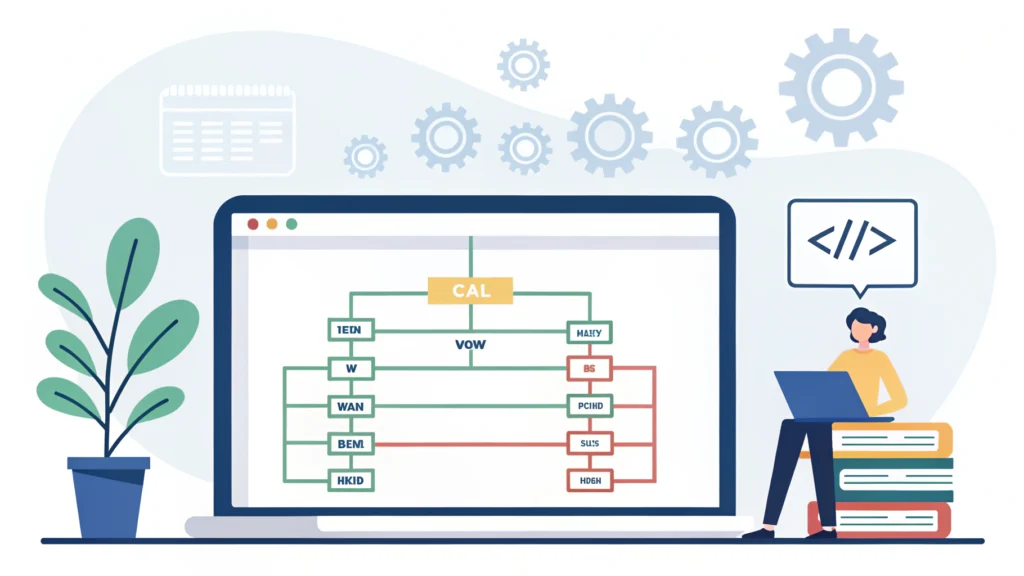
A wireframe is a visual guide that outlines the structure of your web pages. It helps you visualize the layout without getting bogged down by design details. You can use tools like Responsive Simulator to test your wireframes for different devices.
Step 3: Choose Your Design Tools
Select tools that suit your workflow. For instance, you might use a Button Generator to create call-to-action buttons quickly. Other useful tools include:
- CSS Minifier – Optimize your CSS files.
- JS Minifier – Compress your JavaScript files.
Step 4: Develop the Website Structure
Using HTML, create the structure of your website. Here’s a simple example:
<!DOCTYPE html>
<html lang="en">
<head>
    <meta charset="UTF-8">
    <meta name="viewport" content="width=device-width, initial-scale=1.0">
    <title>My Web Design</title>
</head>
<body>
    <header>
        <h1>Welcome to My Website</h1>
    </header>
    <main>
        <p>This is a simple web design example.</p>
    </main>
</body>
</html>
Step 5: Style Your Website with CSS
Once your HTML structure is in place, use CSS to style it. Focus on typography, colors, and layout. Here’s an example:
body {
    font-family: Arial, sans-serif;
    background-color: #f4f4f4;
}
h1 {
    color: #333;
}
Step 6: Add Interactivity with JavaScript
Enhance user experience by adding JavaScript functionality. For instance, create a simple button click event:
document.getElementById('myButton').onclick = function() {
    alert('Button clicked!');
};
Step 7: Optimize for SEO
Search engine optimization (SEO) is vital for visibility. Use tools like the Meta Tag Generator to create effective meta tags. Ensure your website is fast and mobile-friendly.
Step 8: Test and Launch
Before launching, test your website across different browsers and devices. Use the Responsive Simulator to ensure your design looks good on all screen sizes.
FAQs about Web Design Development
What is the difference between web design and web development?
Web design focuses on the visual aspects of a website, while web development involves coding and building the actual site.
How can I make my website responsive?
Utilize CSS media queries to alter styles based on screen size, and ensure flexible layouts that adapt to different devices.
Which tools are best for beginners in web design?
Some user-friendly tools include website builders like Wix, Squarespace, and design tools like Adobe XD and Figma.
Conclusion
Web design development is a multifaceted process that requires a blend of creativity and technical skills. By following the steps outlined in this guide, you can create aesthetically pleasing and functional websites. Don’t forget to leverage the tools provided by WebToolsLab to streamline your workflow and enhance your projects.