Introduction
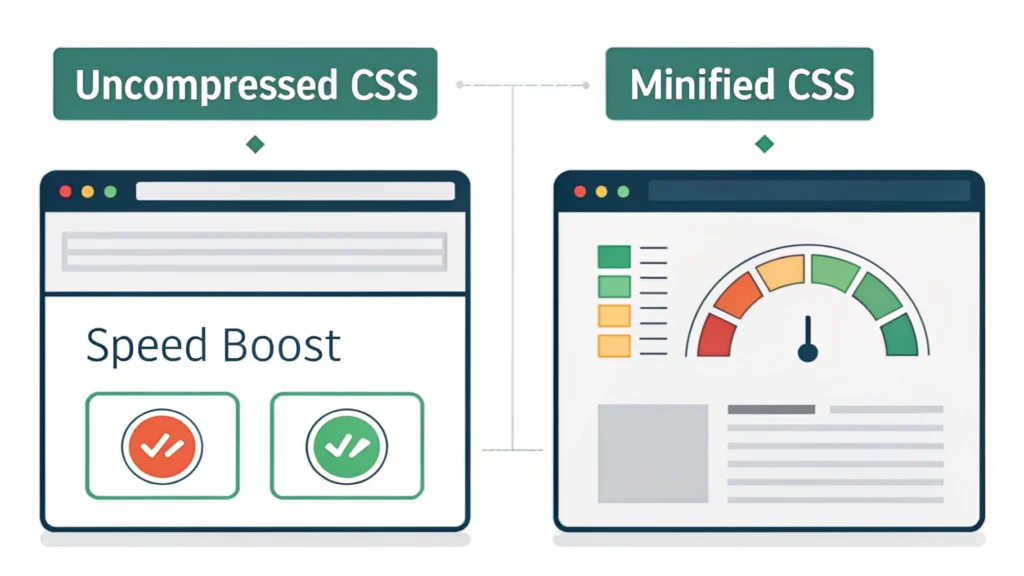
In the world of web development, performance is crucial. The HTML Minifier from WebToolsLab is a powerful tool designed to optimize your HTML files by reducing their size, thus improving loading times and enhancing user experience.
What is HTML Minification?
HTML minification is the process of removing unnecessary characters from HTML code without affecting its functionality. This includes eliminating whitespace, comments, and redundant code. The result is a leaner, faster-loading web page.
Benefits of Using HTML Minifier
- Improves website loading speed.
- Reduces bandwidth usage.
- Enhances SEO performance.
- Improves user experience.
How to Use HTML Minifier
Follow these simple steps to minify your HTML files using the HTML Minifier:
- Visit the HTML Minifier tool.
- Paste your HTML code into the provided text area.
- Select any additional options such as removing comments or whitespace.
- Click the ‘Minify’ button.
- Copy the minified HTML from the output area.
Code Example
<!DOCTYPE html>
<html>
<head>
    <title>My Web Page</title>
    <meta charset="UTF-8">
</head>
<body>
    <h1>Welcome to My Website</h1>
    <p>This is a simple HTML page.</p>
</body>
</html>
Pros and Cons
Pros
- Fast and easy to use.
- Supports various customization options.
- Helps in enhancing SEO.
Cons
- Requires a good understanding of HTML for complex structures.
- May lead to issues if critical comments are removed.
Use Cases
- Web developers looking to improve site speed.
- SEO specialists aiming to enhance page performance.
- Content creators wanting to optimize HTML for faster delivery.
FAQs
1. What does HTML Minifier do?
It reduces the size of HTML files by removing unnecessary characters while retaining their functionality.
2. How does minification affect SEO?
A faster loading website can lead to better SEO rankings as search engines prefer optimized sites.
3. Can I minify HTML files directly from my website?
Yes, you can copy the HTML code from your site and paste it into the HTML Minifier tool.
4. Is there a limit to the size of HTML I can minify?
The tool may have a limit on the number of characters, so check the tool’s instructions.
5. Can I use HTML Minifier for large projects?
Yes, it is suitable for both small and large HTML files.
Conclusion
The HTML Minifier tool from WebToolsLab is an essential resource for anyone involved in web development or SEO. By optimizing your HTML files, you can significantly improve your website’s performance, leading to an enhanced user experience and better search engine rankings. Start using the HTML Minifier today to streamline your web projects!