Introduction to Web Application Development
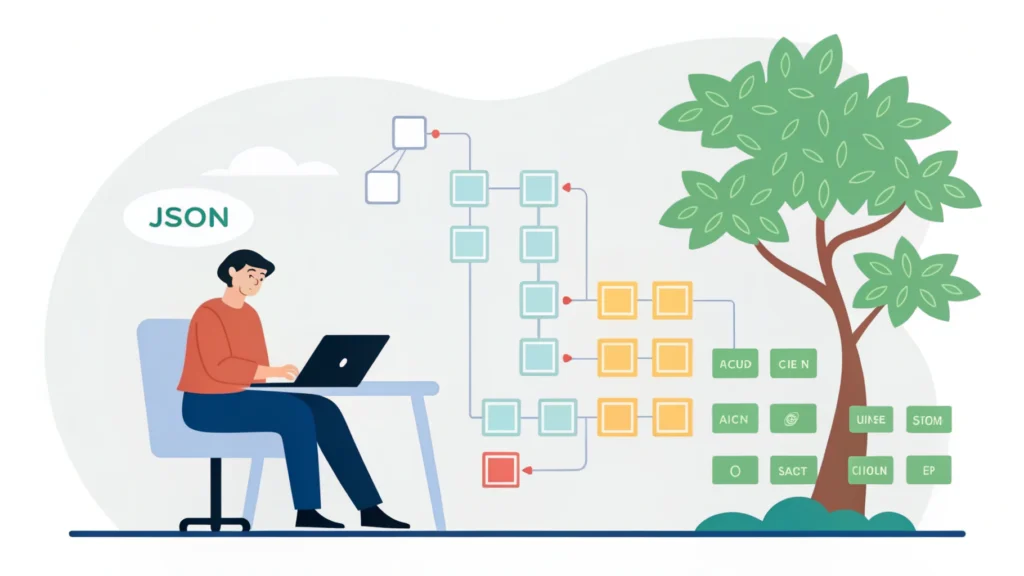
In today’s digital landscape, web applications play a crucial role in enhancing user experience and delivering services online. Unlike static websites, web applications are interactive and dynamic, providing users with a seamless experience. In this guide, we will explore the fundamentals of web application development, including essential tools and technologies.
Step-by-Step Guide to Web Application Development
Step 1: Define Your Project Requirements
Before diving into development, clearly outline your project objectives, target audience, and features you want to include. This will help you stay focused throughout the development process.
Step 2: Choose the Right Tech Stack
Your tech stack will determine the performance and scalability of your web application. Here are some popular choices:
- Frontend: HTML, CSS, JavaScript, React, Angular, Vue.js
- Backend: Node.js, Django, Ruby on Rails, PHP
- Database: MySQL, PostgreSQL, MongoDB
Step 3: Design the User Interface
Start sketching your UI using tools like Figma or Adobe XD. Ensure your design is user-friendly and responsive. You can use our Button Generator to create beautiful buttons for your app.
Step 4: Frontend Development
Begin coding the frontend of your application using your chosen frameworks. Here’s a simple example of a React component:
import React from 'react';

function App() {
    return (

            Welcome to My Web Application
            This is a simple web app built with React.

    );
}

export default App;
Step 5: Backend Development
Next, set up your server and database. Here’s a basic example using Express.js:
const express = require('express');
const app = express();
const PORT = 3000;

app.get('/', (req, res) => {
    res.send('Hello, World!');
});

app.listen(PORT, () => {
    console.log(`Server is running on http://localhost:${PORT}`);
});
Step 6: Implement API and Database
Connect your frontend to the backend using RESTful APIs. Use tools like Postman for testing. You can also use JSON Formatter to format your API responses.
Step 7: Testing
Conduct thorough testing to ensure your application works smoothly. Use tools like Jest for unit testing in JavaScript.
Step 8: Deployment
Deploy your web application using platforms like Heroku, AWS, or DigitalOcean. Make sure to minify your code to enhance performance using our CSS Minifier and JS Minifier.
Best Practices in Web Application Development
- Ensure your application is mobile-responsive.
- Follow accessibility guidelines for inclusivity.
- Optimize for SEO with meta tags and descriptions using our Meta Tag Generator.
- Regularly update your application to fix bugs and add features.
Frequently Asked Questions
What is the difference between a website and a web application?
A website is primarily informational, while a web application is interactive, allowing users to perform tasks.
What languages are used in web application development?
Common languages include HTML, CSS, JavaScript for frontend, and Node.js, Python, or PHP for backend development.
How do I keep my web application secure?
Implement security best practices like input validation, using HTTPS, and regularly updating dependencies.
Conclusion
Web application development is an exciting and challenging field. By following the steps outlined above and utilizing the right tools, you can create powerful and user-friendly applications. For more tools and resources, check out WebToolsLab.