Introduction to Web Design and Development
In today’s digital landscape, the synergy between web design and development is vital for creating engaging and functional websites. This guide will walk you through key concepts, tools, and best practices to elevate your web projects.
Understanding Web Design
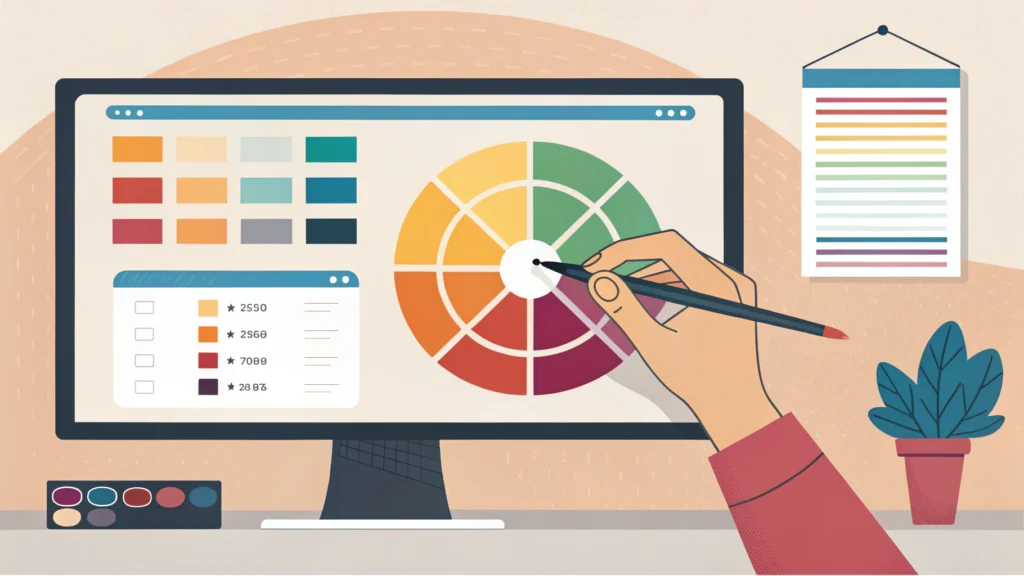
Web design encompasses the visual aesthetics and usability of a website. It involves everything from layout and color schemes to typography and images.
Key Elements of Web Design
- Layout: How elements are arranged on the page.
- Color Scheme: The combination of colors to convey your brand identity.
- Typography: The style and appearance of text.
The Role of Web Development
Web development refers to the technical aspect of building websites, including coding and configuring back-end systems. It can be broken down into two main areas: front-end and back-end development.
Front-End Development
This is the part of the website that users interact with directly. It includes languages like HTML, CSS, and JavaScript.
Back-End Development
The back-end includes server-side scripting, databases, and application logic. Languages like PHP, Python, and Ruby are commonly used.
Step-by-Step Guide to Building a Simple Website
Step 1: Define Your Website’s Purpose
Before you start, outline the goals and target audience for your website. This will guide your design and development decisions.
Step 2: Choose a Domain and Hosting
Select a domain name that reflects your brand and is easy to remember. Pair it with a reliable hosting service.
Step 3: Plan Your Site Layout
Create a sitemap that outlines the structure of your website. Consider how users will navigate through your content.
Step 4: Design the User Interface
Use design tools (like Adobe XD or Figma) to create mockups of your website’s layout. Aim for a clean and user-friendly design.
Step 5: Start Coding
Begin with HTML for content structure, CSS for styling, and JavaScript for interactivity. Here’s a simple code example for a basic webpage:
<!DOCTYPE html>
<html lang="en">
<head>
    <meta charset="UTF-8">
    <meta name="viewport" content="width=device-width, initial-scale=1.0">
    <title>My First Website</title>
    <link rel="stylesheet" href="styles.css">
</head>
<body>
    <h1>Welcome to My Website!</h1>
    <p>This is a basic example of a webpage.</p>
</body>
</html>
Step 6: Optimize Your Website
Ensure your site loads quickly and is SEO-friendly. Use tools like the CSS Minifier and HTML Minifier to optimize your code.
Step 7: Test Your Website
Check for responsiveness and usability on different devices. Use the Responsive Simulator to see how your site performs on various screens.
Step 8: Launch Your Website
Once everything is in place, publish your website and promote it through social media and other channels.
FAQs about Web Design and Development
What are the essential skills for web design?
Key skills include a good eye for aesthetics, knowledge of design principles, proficiency in design tools, and a basic understanding of HTML and CSS.
How long does it take to build a website?
The timeline varies greatly depending on the complexity of the site. A simple website can take a few days, while a more complex site may take several weeks or months.
What tools can I use for web development?
There are numerous tools available, such as code editors (VS Code, Sublime Text), graphic design tools (Photoshop, Figma), and various online resources including WebToolsLab.
Conclusion
Mastering web design and development requires practice and a willingness to learn. By following these steps and utilizing the right tools, you can create stunning and effective websites. Remember to keep up with the latest trends and technologies to stay competitive in the field.